CareHaven's iPhone open beta is coming soon. Join the beta list →

For families keeping careful track

One quiet home for seizures, meds, and doctor visits

Log an episode in seconds, watch patterns surface over time, and walk into every appointment with a clean summary already in hand.

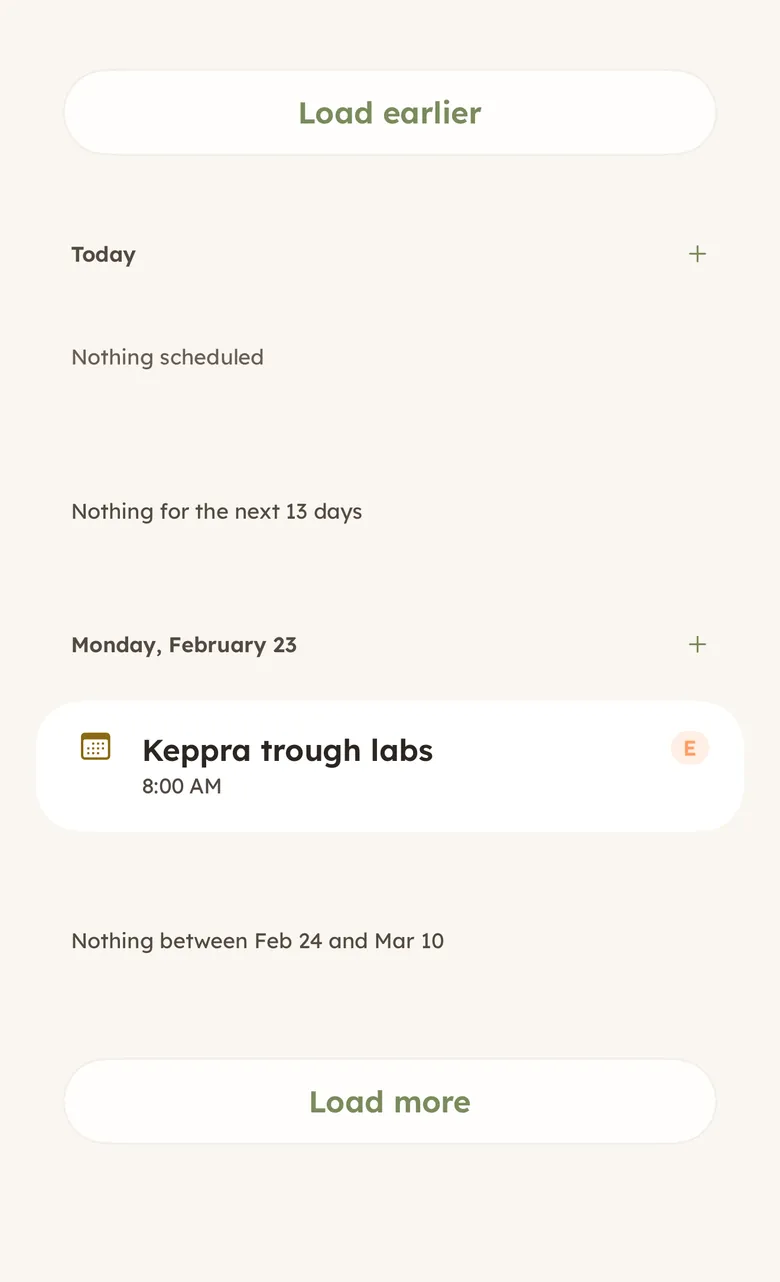
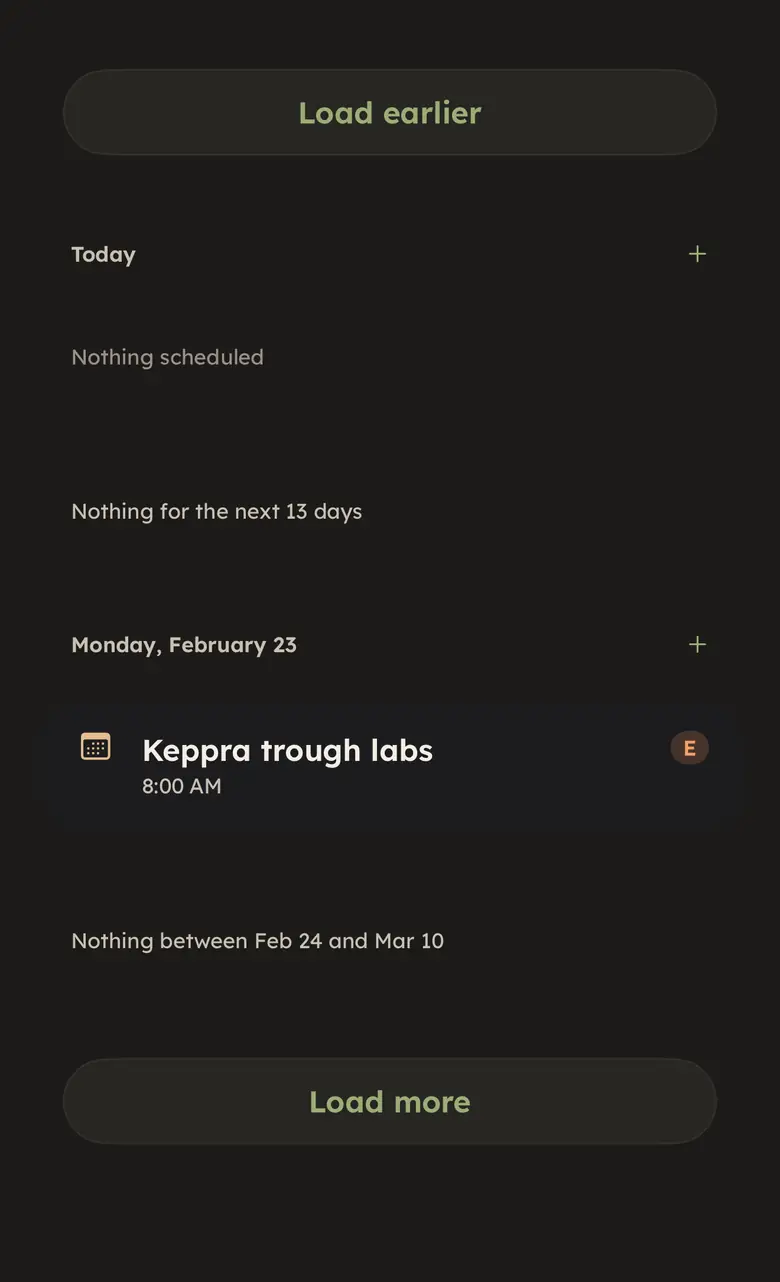
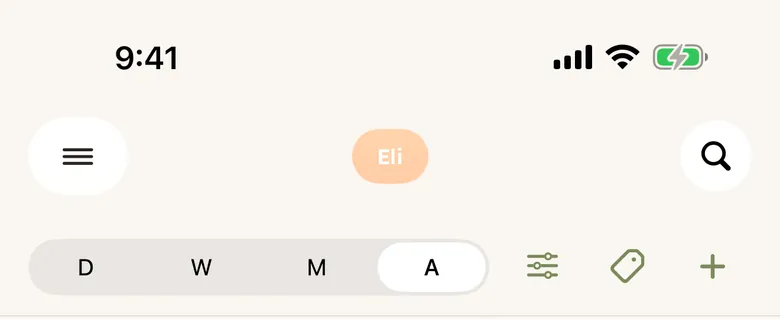
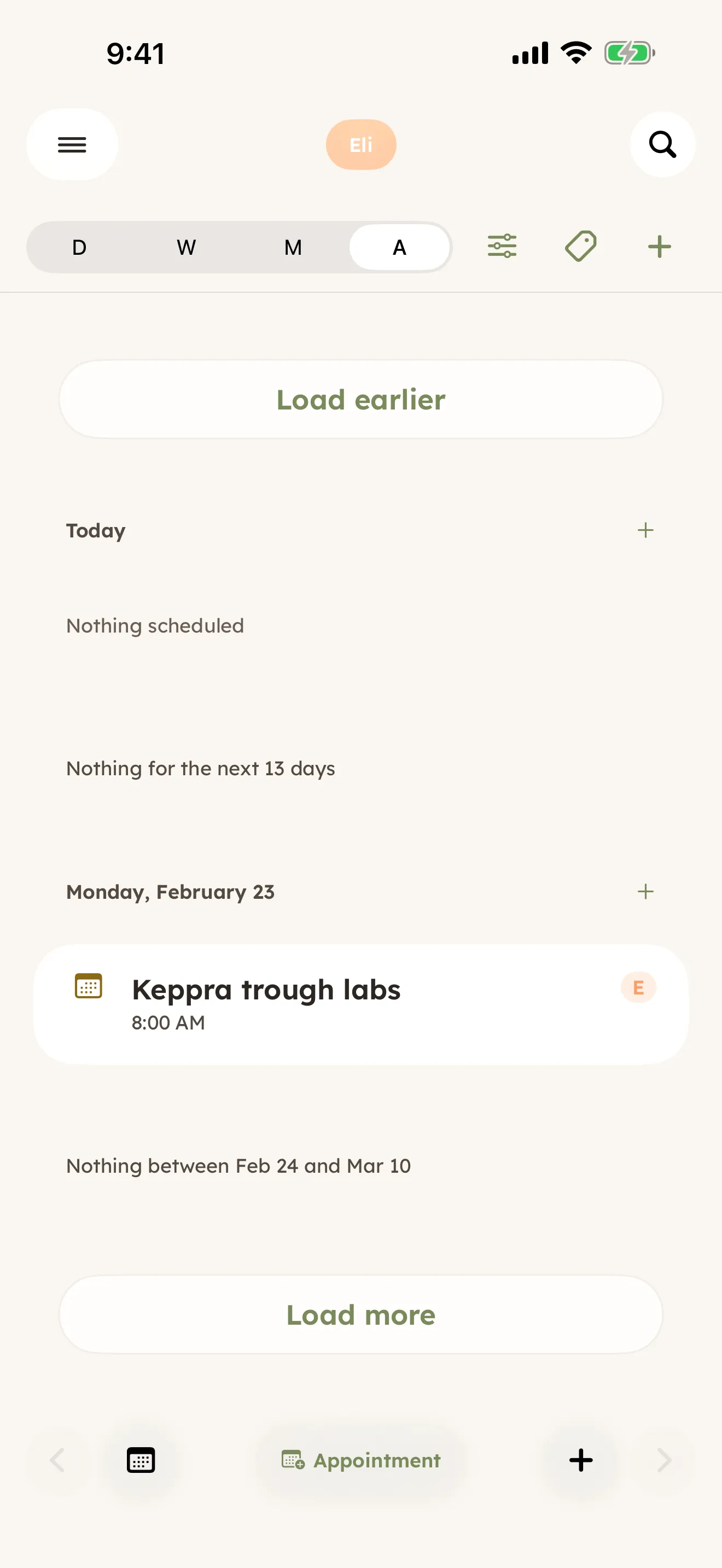
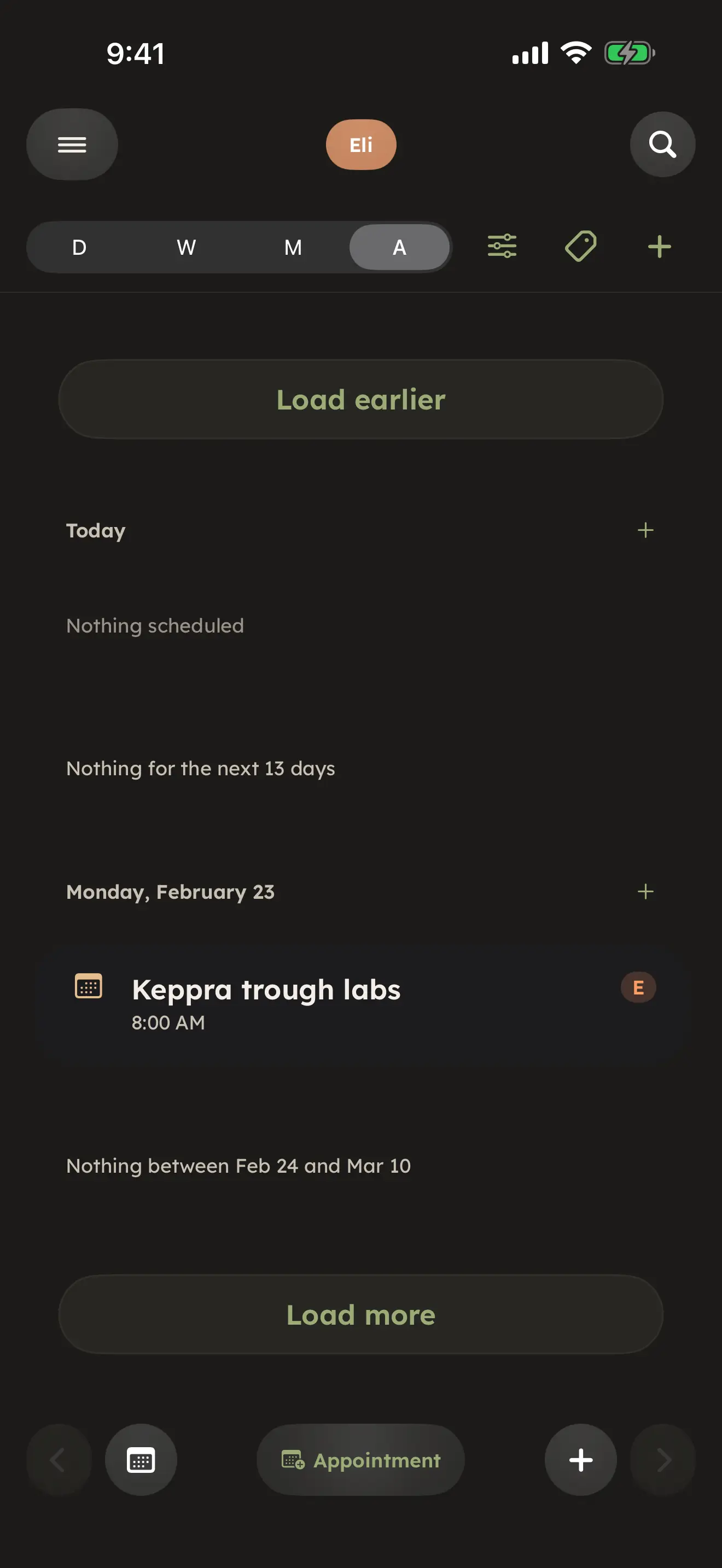
Schedule screen for Eli in list view: nothing scheduled today, one lab appointment on February 23, and a Load more button.
  • On-device by default
  • In the app: no resale · no tracking
  • Native iPhone app · open beta coming soon

Paid plans start at the App Store launch. The free iPhone open beta is coming soon. Join the beta list and we'll email you when it starts.

All of it is held in one private place that lives on your phone, on-device by default.

Want something on paper now? The free Seizure Log & Visit Prep is the print version of what the app tracks for you.

Watching for the next episode even on a good day is part of the mental load. Read our guide to what it is and what actually helps.

The load you're carrying

The tracking shouldn't live only in your head

The episode

An episode happens and you're reaching for a scrap of paper or a notes app you'll never find again. Logging it should take one tap, not a scramble.

The app captures an episode by type in a couple of taps, even from your wrist (Plus).

The pattern

The pattern is in there somewhere: time of day, sleep the night before, a missed dose. But it's spread across weeks of memory and you can't see it.

The app reads your own log back to you and surfaces the trends.

The appointment

The appointment is in ten minutes and you're reconstructing the last month from memory. Instead of handing the doctor a clean picture.

The app pulls 30 days into a clinician-ready summary with one tap (Plus).

Let the patterns come to you

CareHaven quietly looks across your log for trends you'd never catch by scrolling: mood by hour of day, how sleep lines up with harder days, and more. It's straightforward trend detection over your own entries, not a guess.

The moment it clicks

When what's in your head is finally in front of you

The first time you tap once to log an episode, then a few weeks later open Patterns and actually see the shape of it (the time of day, the nights of short sleep that line up with harder days), you realize the thing you'd been trying to hold in your head is finally sitting in front of you, clear enough to bring to the doctor.

Built for the everyday work of keeping track

Seizure tracking

Log an episode in seconds

When something happens, you shouldn't be hunting for a pen. Record it by type in a couple of taps, right when it happens, even from your wrist with Plus. Over time you'll see seizure-free streaks build, so progress is something you can actually see instead of guess at.

Medication safety

Keep the medication picture straight

  • Hold the current med list in one place, backed by a real drug reference (RxNorm), and track it as things change.
  • When you add something new, you get a flag if it falls into a drug class with a well-known caution against one already on the list, drawn from FDA labeling and public clinical references.
  • It doesn't diagnose interactions and won't catch everything, so no flag doesn't mean a combination is safe.
  • What it gives you is a specific question to put to the neurologist or pharmacist, a question that's always worth asking in seizure care.

Doctor visit prep

Walk in ready for every appointment

One tap (Plus) pulls the last 30 days into a clean, clinician-ready summary (recent episodes, medications, and vitals in one page) so the visit is about the plan, not about reconstructing the month.

Inside the app

See what the app actually shows

The free Seizure Log & Visit Prep is the print version of these screens: the app tracks them and keeps them current for you.

Schedule screen for Eli in list view: nothing scheduled today, one lab appointment on February 23, and a Load more button.
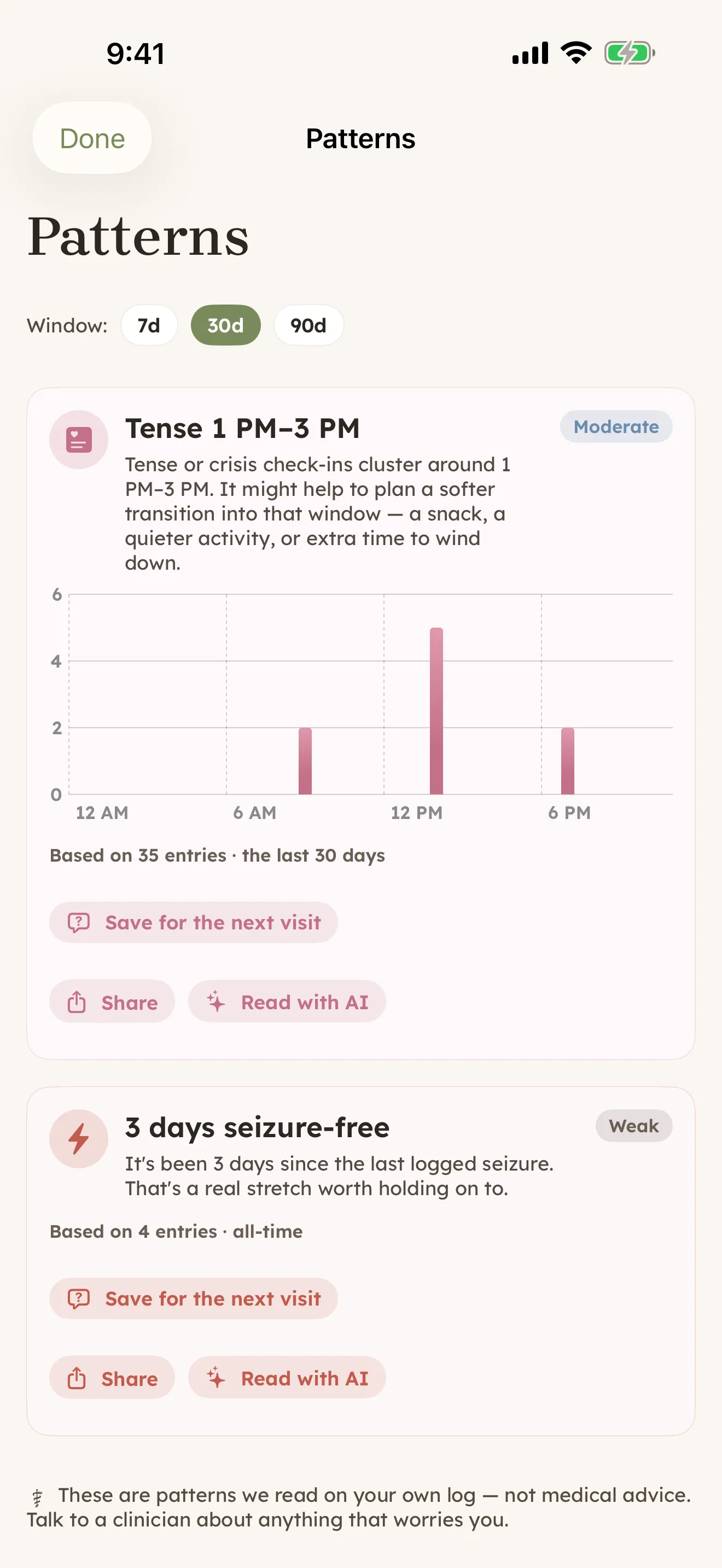
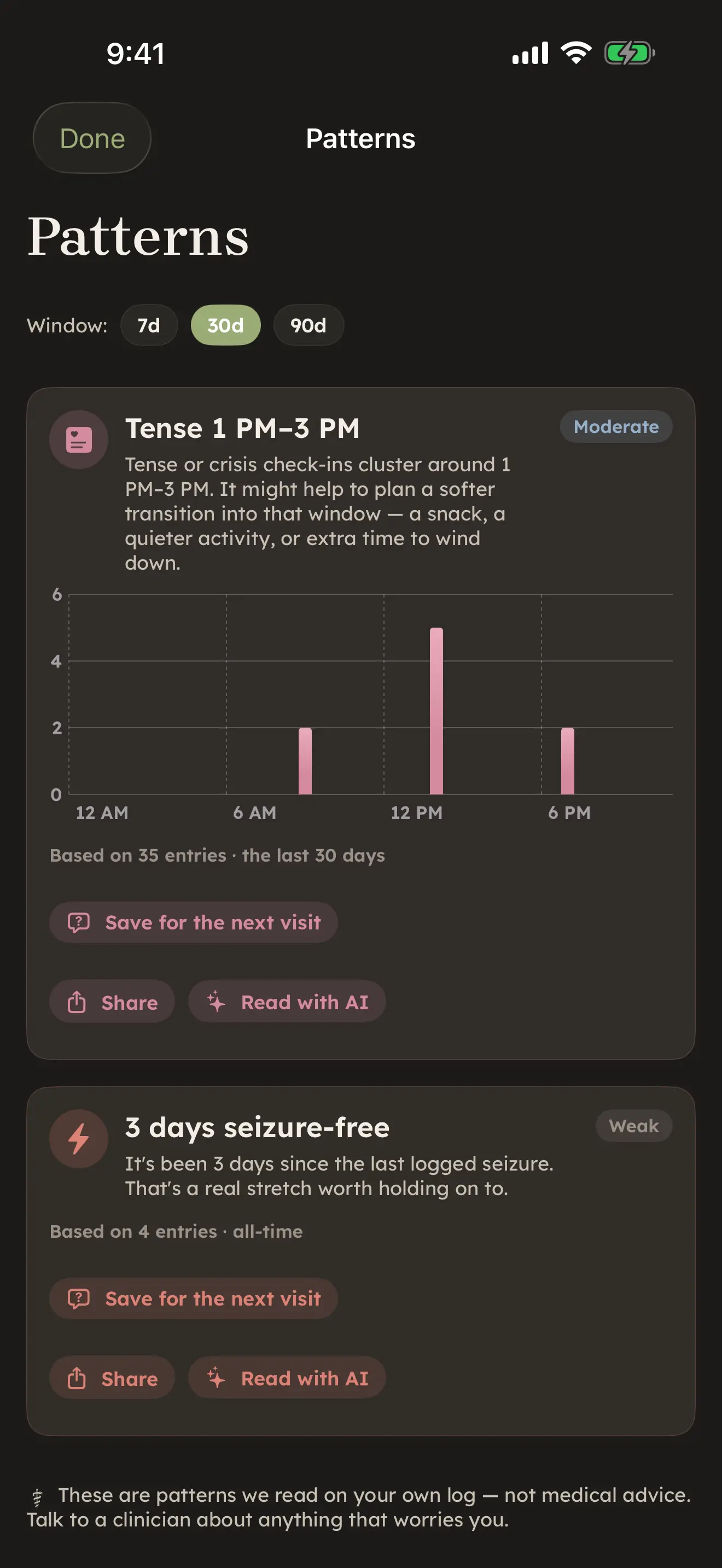
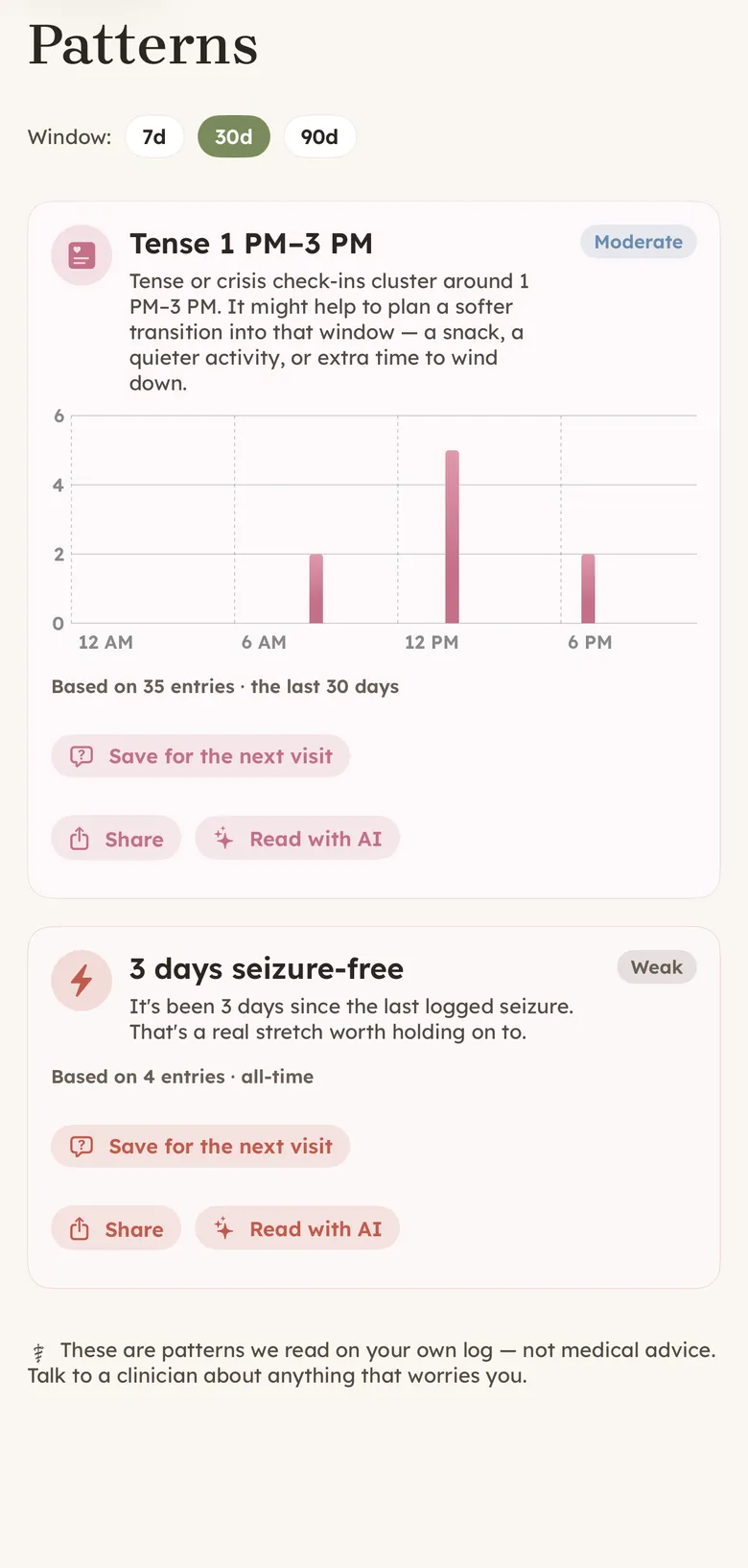
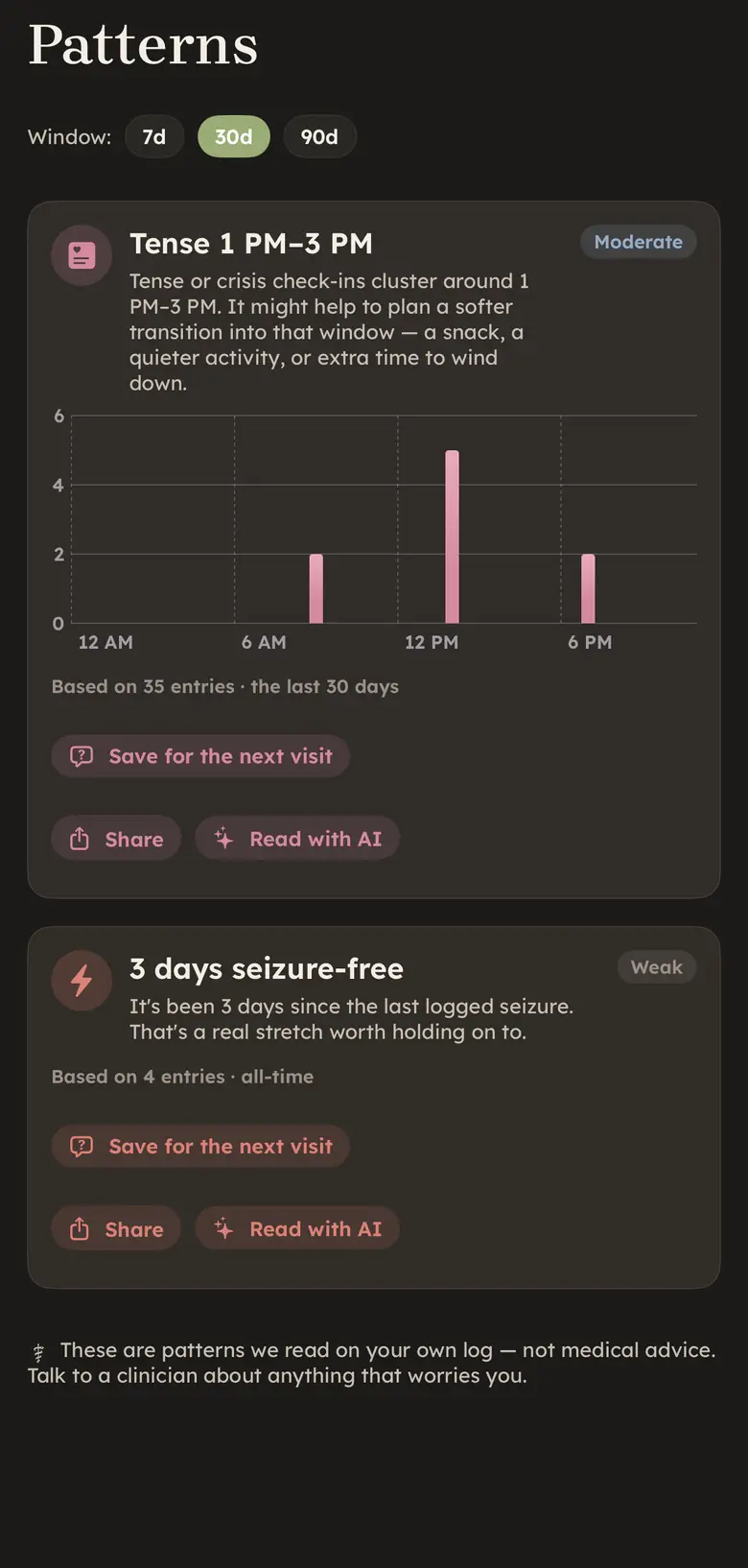
Patterns screen, 30 day window: a tense 1 PM to 3 PM bar chart, a days seizure-free card, and a not medical advice note.

Schedule Appointments and med-level labs, with a running visit-prep list for the next visit.

Patterns Seizure-free-day streaks and time-of-day trends read from your own log, and each pattern has a Save for the next visit button. A demo profile, not a real family.

Tense or crisis check-ins cluster around 1 PM–3 PM Reading the last 30 days · based on 35 entries. This is the app's own wording on a demo profile: it describes when check-ins were logged, not a claim about when seizures happen.

Your log stays yours

On-device by default. No CareHaven account, and nothing CareHaven runs can read your log — nothing leaves your phone unless you choose it. No resale, no tracking of your care data.

  • On-device by default

    Your seizure log, meds, and notes live on your iPhone. There's no CareHaven account, and nothing CareHaven runs can read any of them.

  • In the app: no resale, no tracking

    The app does not track your care data. We never sell your family's care information. You choose what to share. Apple may receive crash and performance diagnostics according to your diagnostic-sharing settings.

  • Sync only if you want it

    Want your log across devices (Plus)? Turn on optional encrypted iCloud sync (Apple CloudKit) — only if you choose to. Otherwise it simply stays put.

Simple pricing when it's time

Paid plans start at the App Store launch. The free iPhone open beta is coming soon. There's a free tier as well, so you can keep using the core features.

See pricing

Good questions, honest answers

Is CareHaven available on the App Store yet?
Not yet. The free iPhone open beta is coming soon. Join the beta list and we'll email you when it starts. Paid plans start at the App Store launch, and there is a free tier for the core features after launch.
Can it help me spot triggers or patterns?
CareHaven includes trend detection that looks across your own log: things like mood by hour of day and how sleep lines up with harder days. CareHaven helps you record episodes and surface patterns; it is not a medical device and does not diagnose or provide medical advice. Always bring what you see to your healthcare provider.
What about my medication list?
You can keep a current medication list backed by a real drug reference and track it as things change. When you add a new med, you get a flag if it falls into a drug class with a well-known caution against one already on the list, so you have something concrete to raise. It doesn't diagnose interactions and won't catch everything, so no flag doesn't mean a combination is safe. Always confirm with your prescriber or pharmacist.
Is my data private?
Yes — that's the whole point. Your information lives on your device by default. There is no CareHaven account, nothing CareHaven runs can read your care data, and nothing is sent anywhere unless you choose it. There is no tracking of your care data and no resale. If you want it on more than one device, you can turn on optional encrypted iCloud sync (Apple CloudKit, with Plus).
What is the free Seizure Log & Visit Prep?
It's a one-page template (a seizure log plus a visit-prep sheet for the next appointment) that you can download free here to see the format. The app tracks episodes and pulls the visit summary together for you, so with Plus you can generate an up-to-date one in a tap.
Free Seizure Log & Visit Prep

One page anyone can follow

Grab the free Seizure Log & Visit Prep, a one-page template to log episodes and pull together what the doctor needs, plus what a grandparent, sitter, or school nurse should watch for and do when you're not there. It's the print version of what the app tracks and keeps current for you.