A quick tour of what CareHaven can do
You've set up a profile and found your way around. This page is the next stop: a short, friendly walk through what CareHaven actually does, area by area. For every detail on every feature, the full feature catalog is the master list — this page is the highlight reel.
On this page
The idea behind it all: the Care Loop
Caring for someone with complex needs comes with an invisible second job — the mental load of remembering medications, spotting patterns, planning ahead, and being ready to explain it all the moment someone asks. CareHaven is built to carry that weight, not add to it, through four steps we call the Care Loop:
- Capture — jot something down in seconds: a feeding, a behavior, a seizure, a rough night.
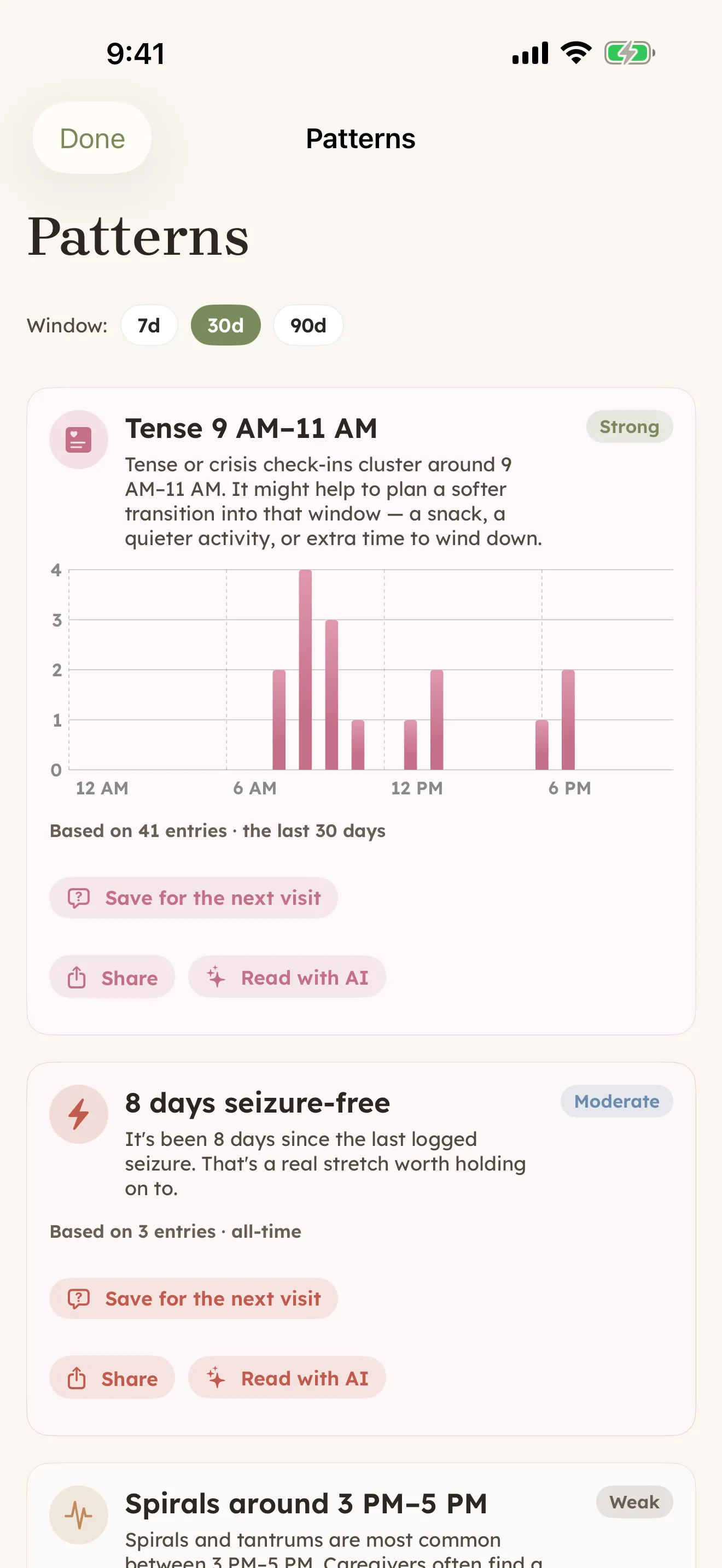
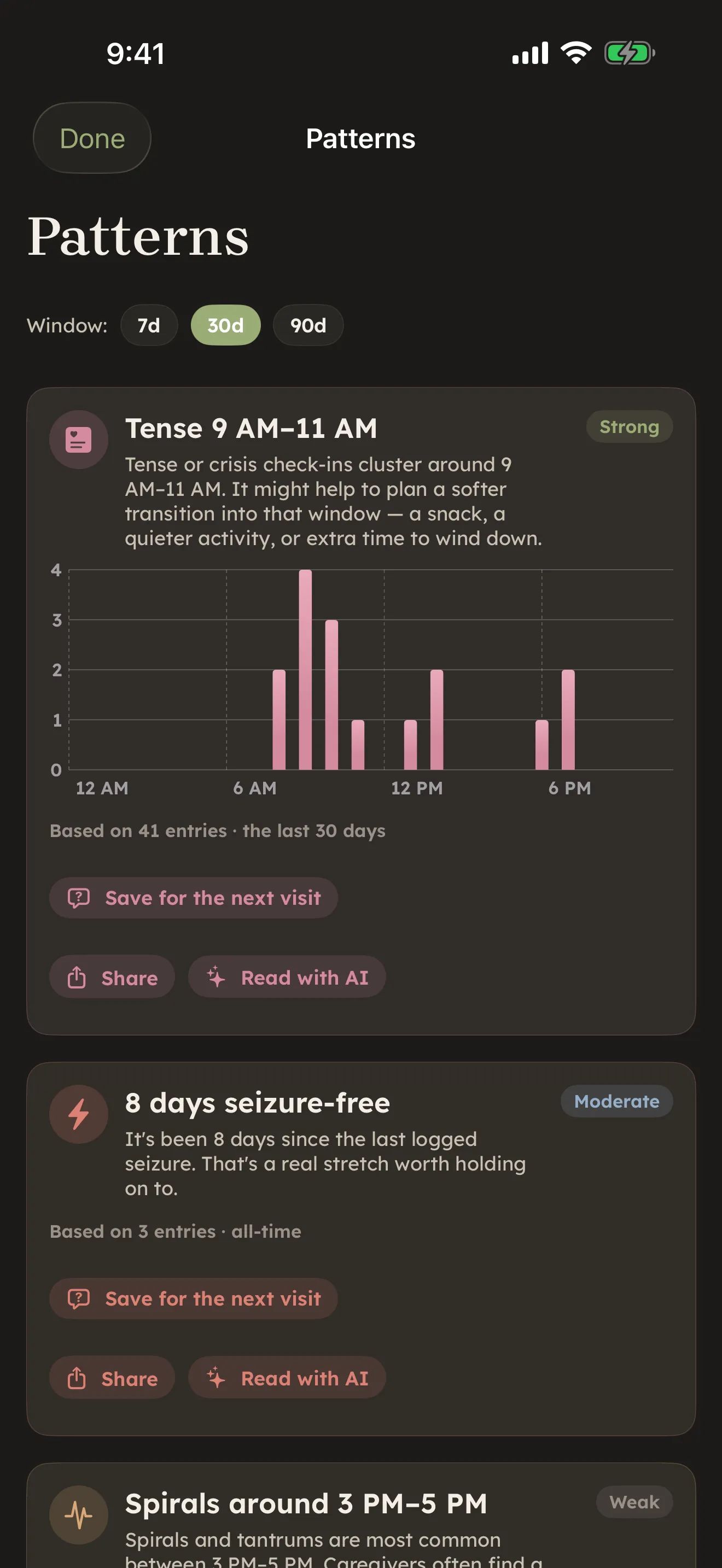
- Make sense of it — raw entries turn into patterns, shown against what's normal for this person.
- Guidance — gentle, plain-language notes on what something might mean, always framed as a clinician's concern, never a diagnosis from the app.
- Carry it forward — what you've captured gets packaged for whoever needs it next: a sitter, a doctor, another caregiver.
Read more in How CareHaven thinks.
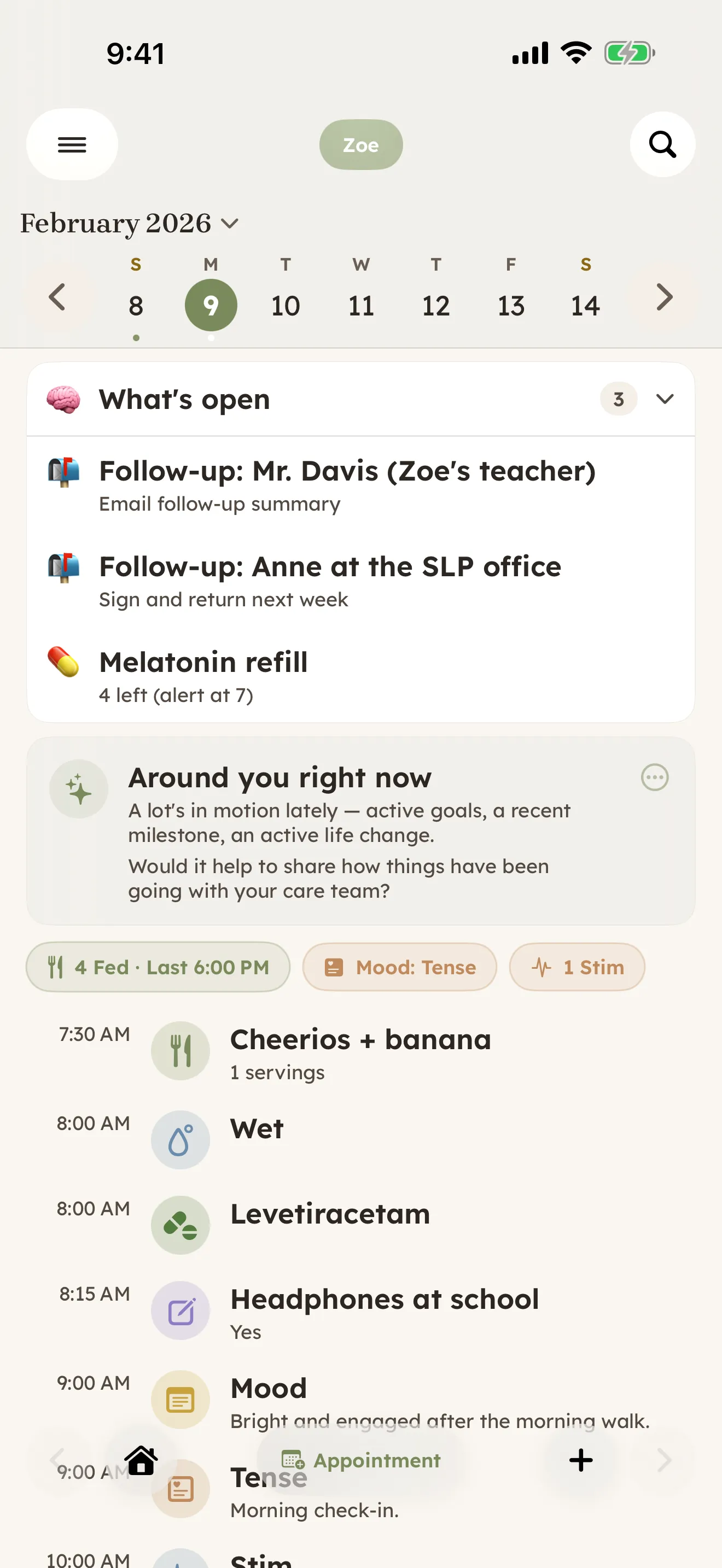
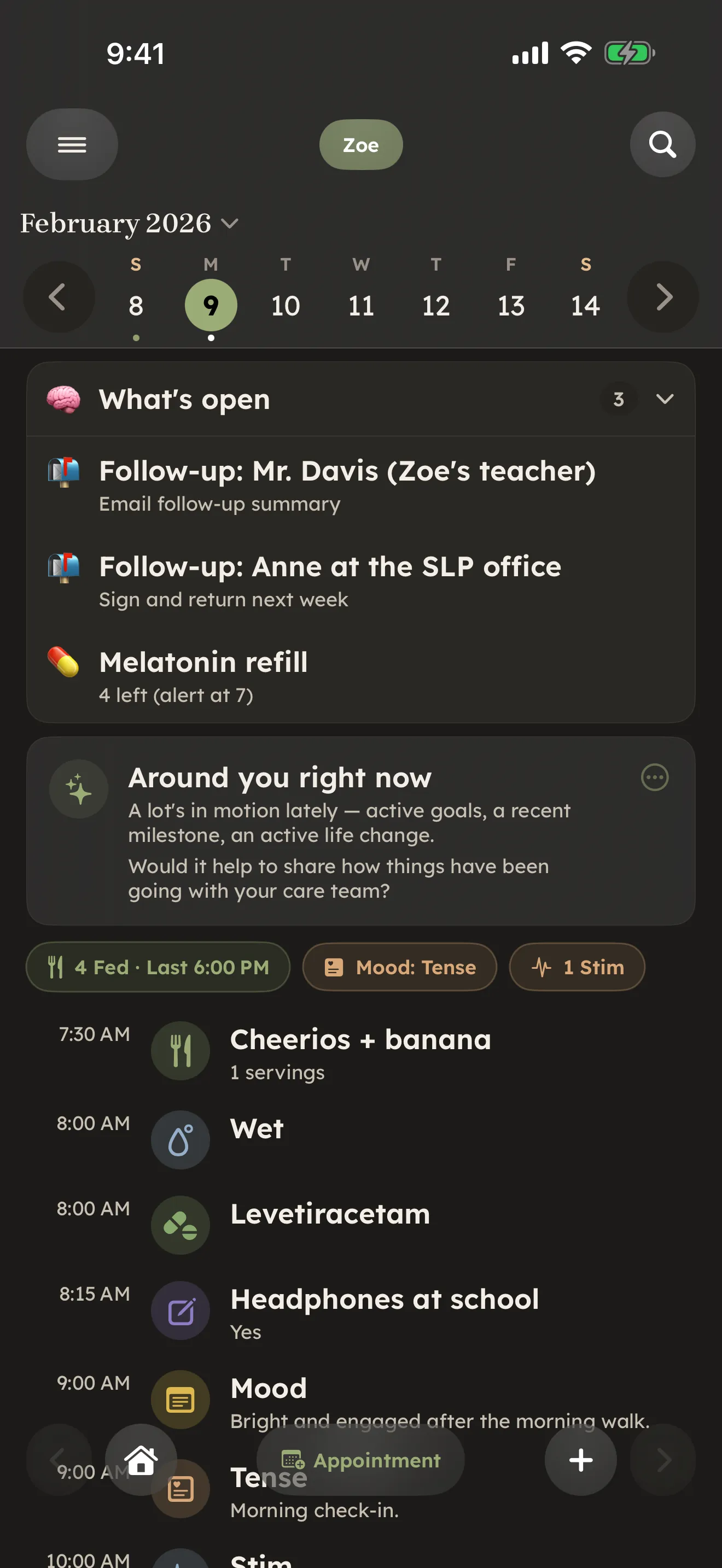
Log your day, in seconds
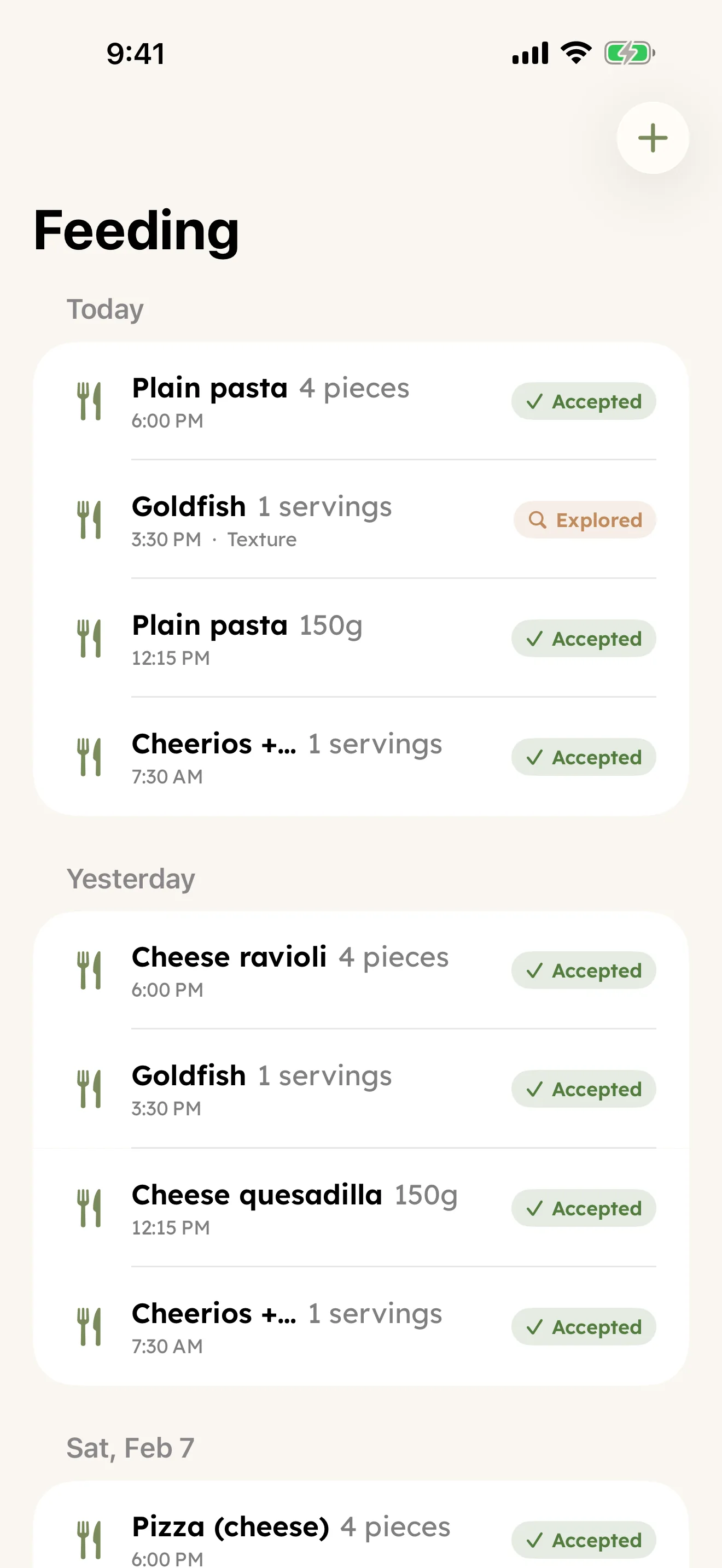
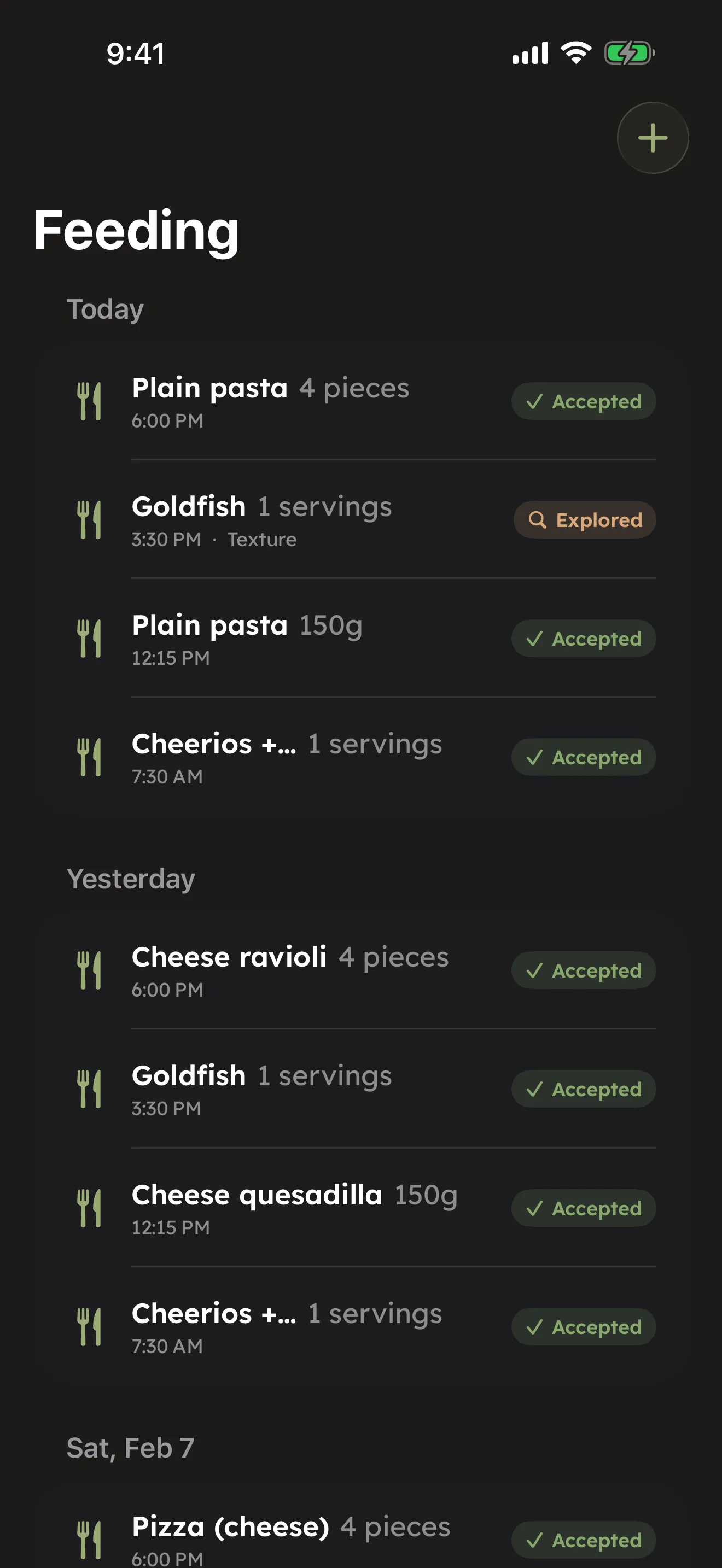
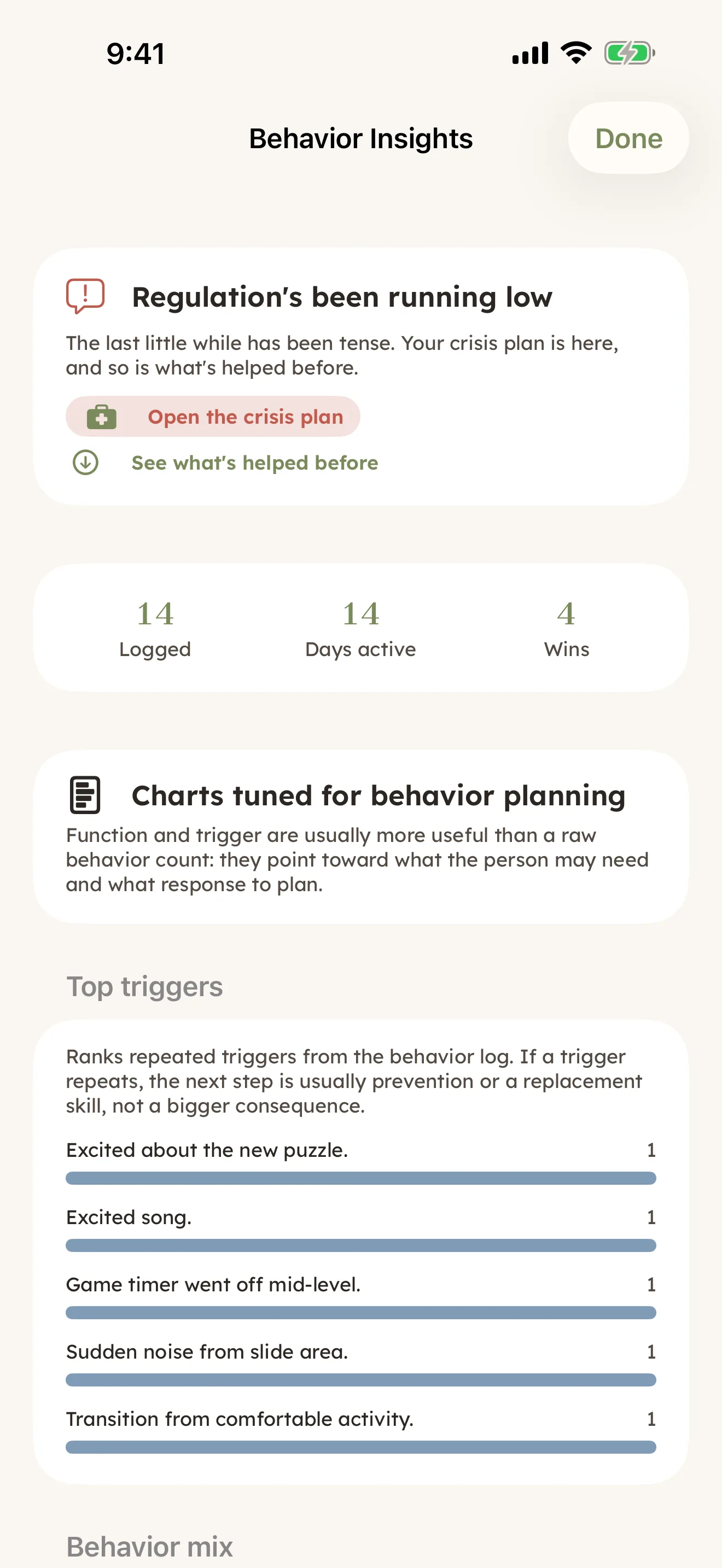
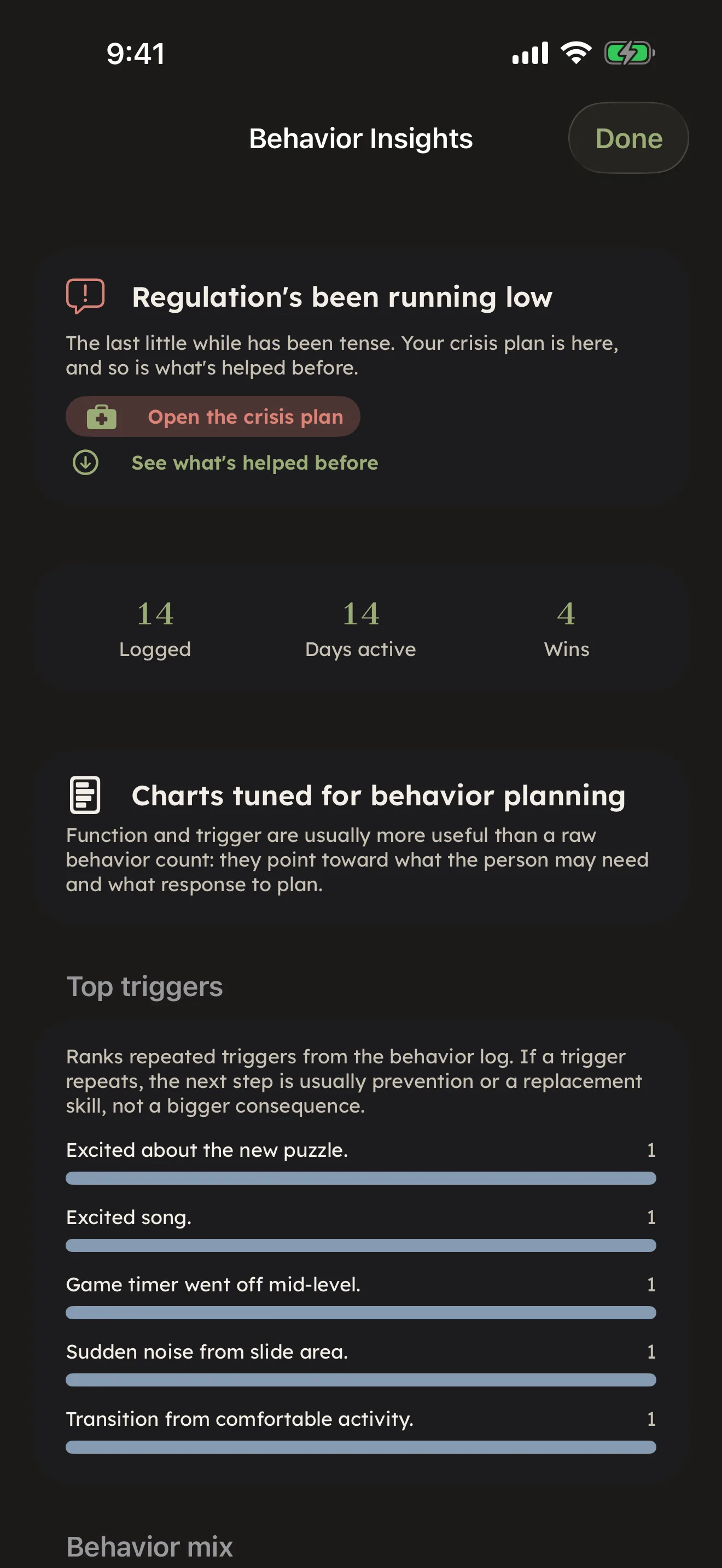
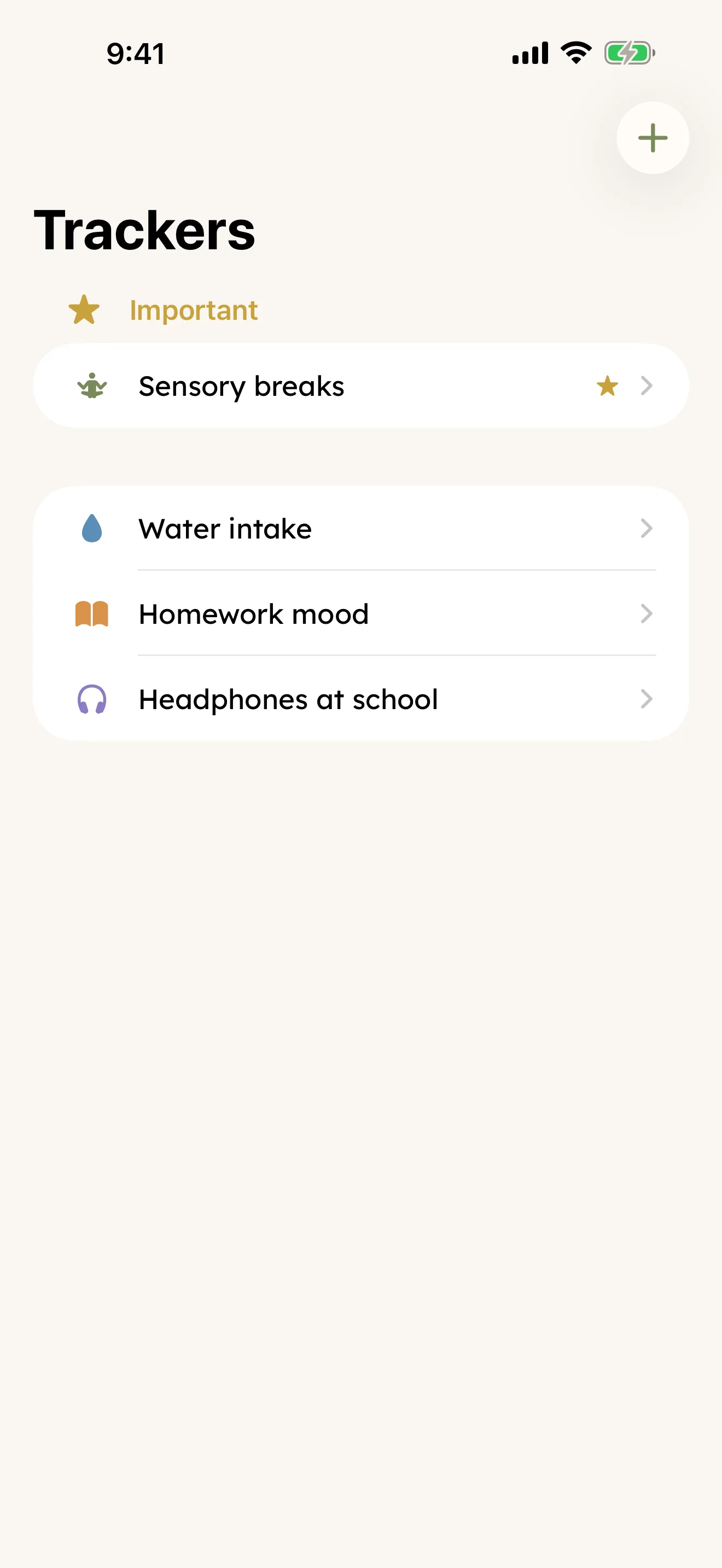
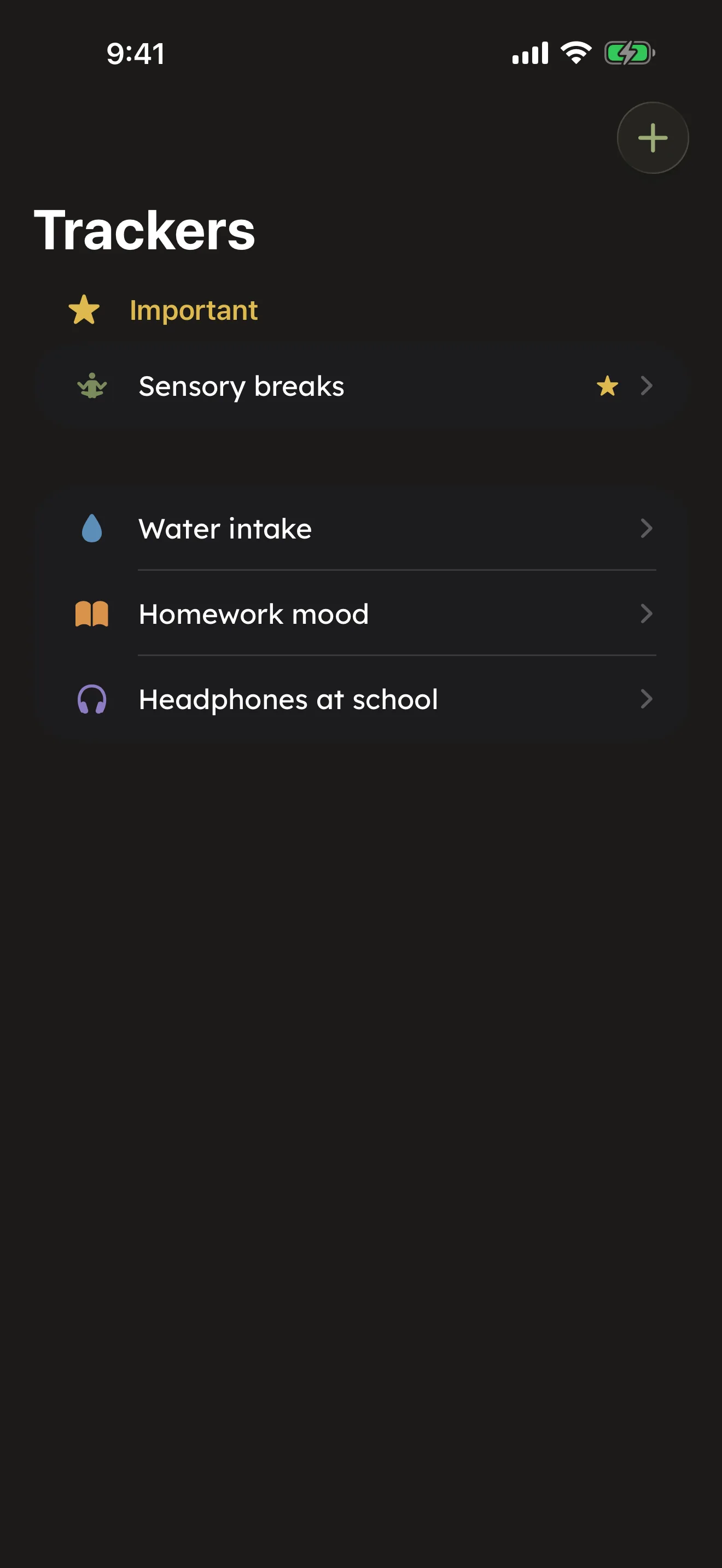
The trackers you'll reach for most, dozens of times a day: feeding, potty, behavior, sleep, seizures with a live timer, mood and regulation check-ins, diary entries, routines, and more. If nothing built-in fits, Custom trackers let you build your own. See Daily tracking. Available
Everything for the doctor, in one place
Medications with refill and dose-reminder tracking, vitals (with a read-only view of what Apple Health already holds), scanned documents, plain-language explainers for a medication or diagnosis, and Doctor visits that can draft a share-ready recap for you. Visit Prep builds a summary from your own data before you walk in. See Medical. Available
The paper trail for school and providers
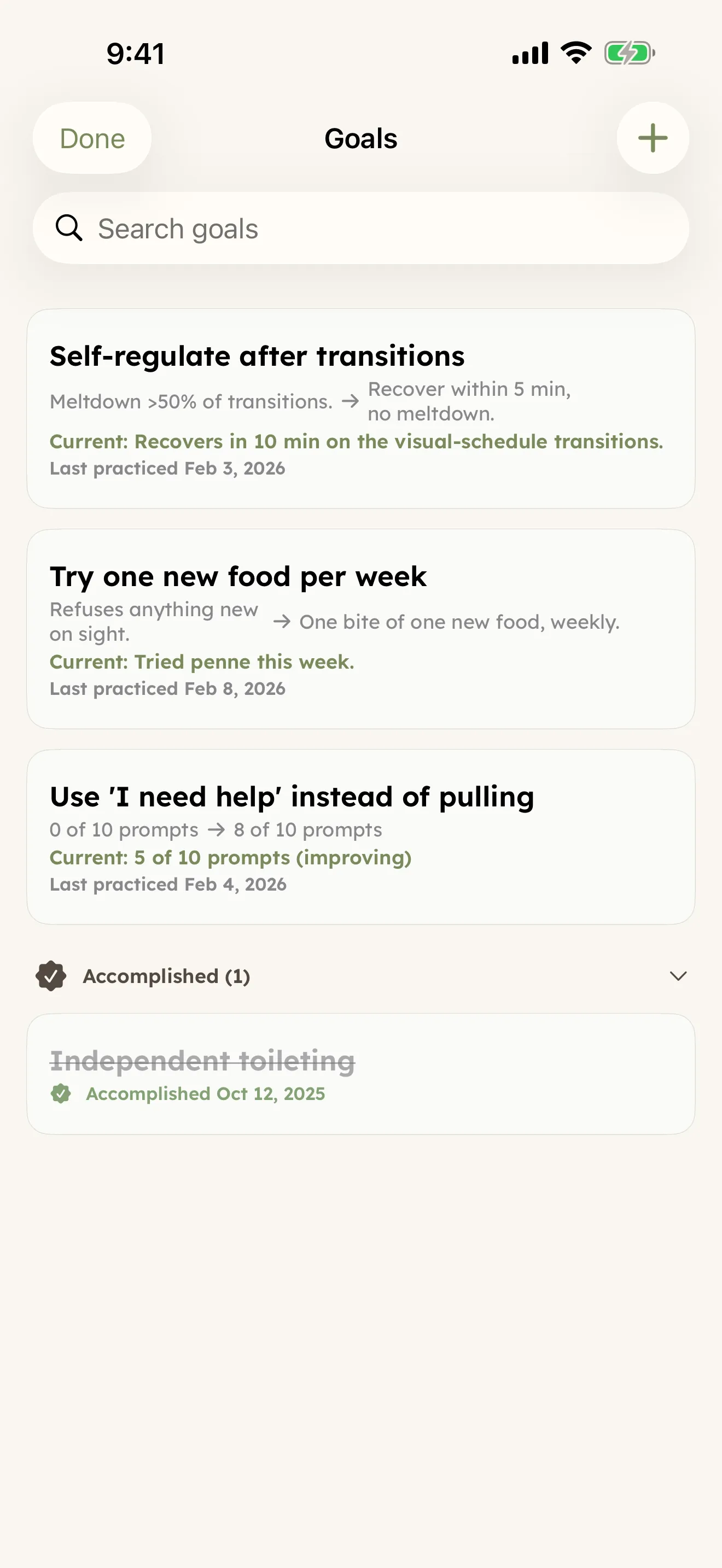
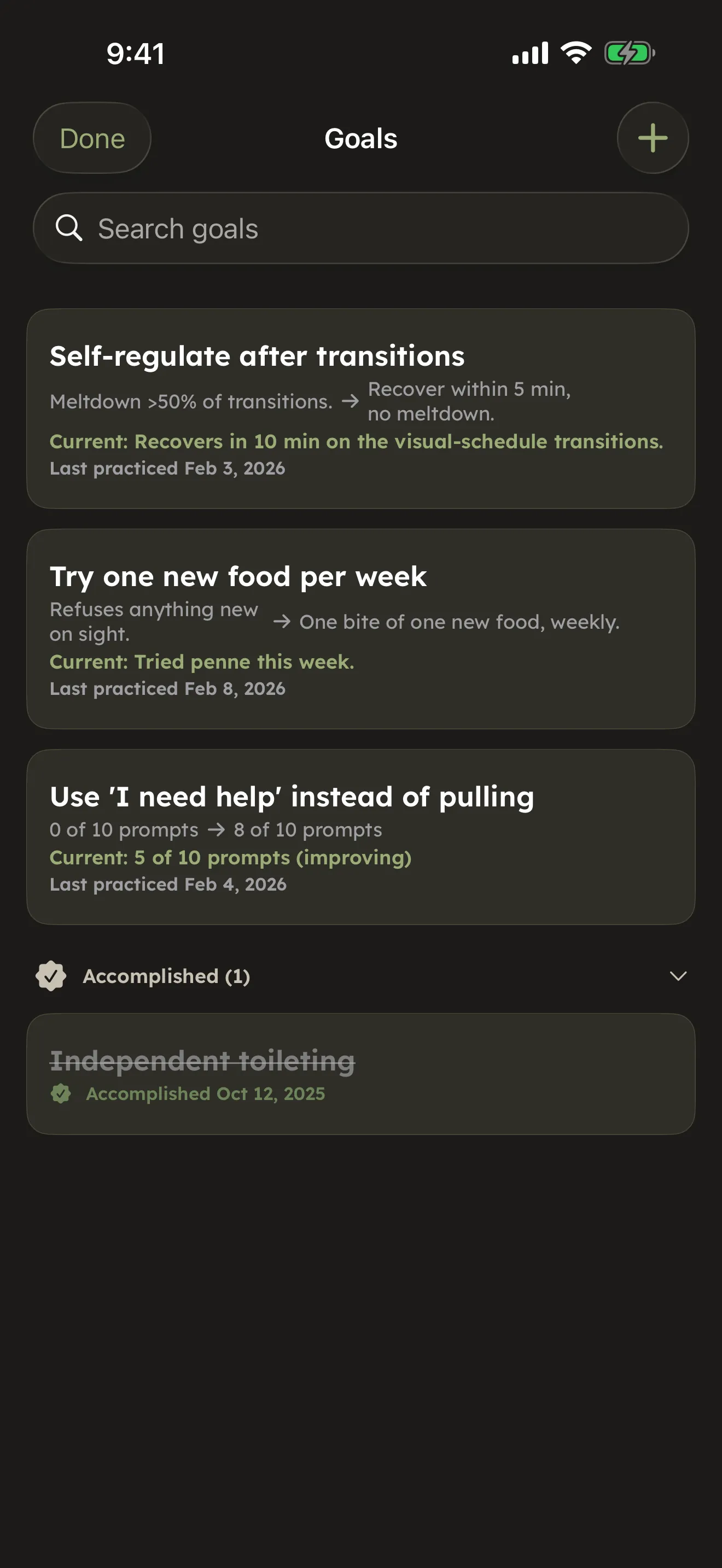
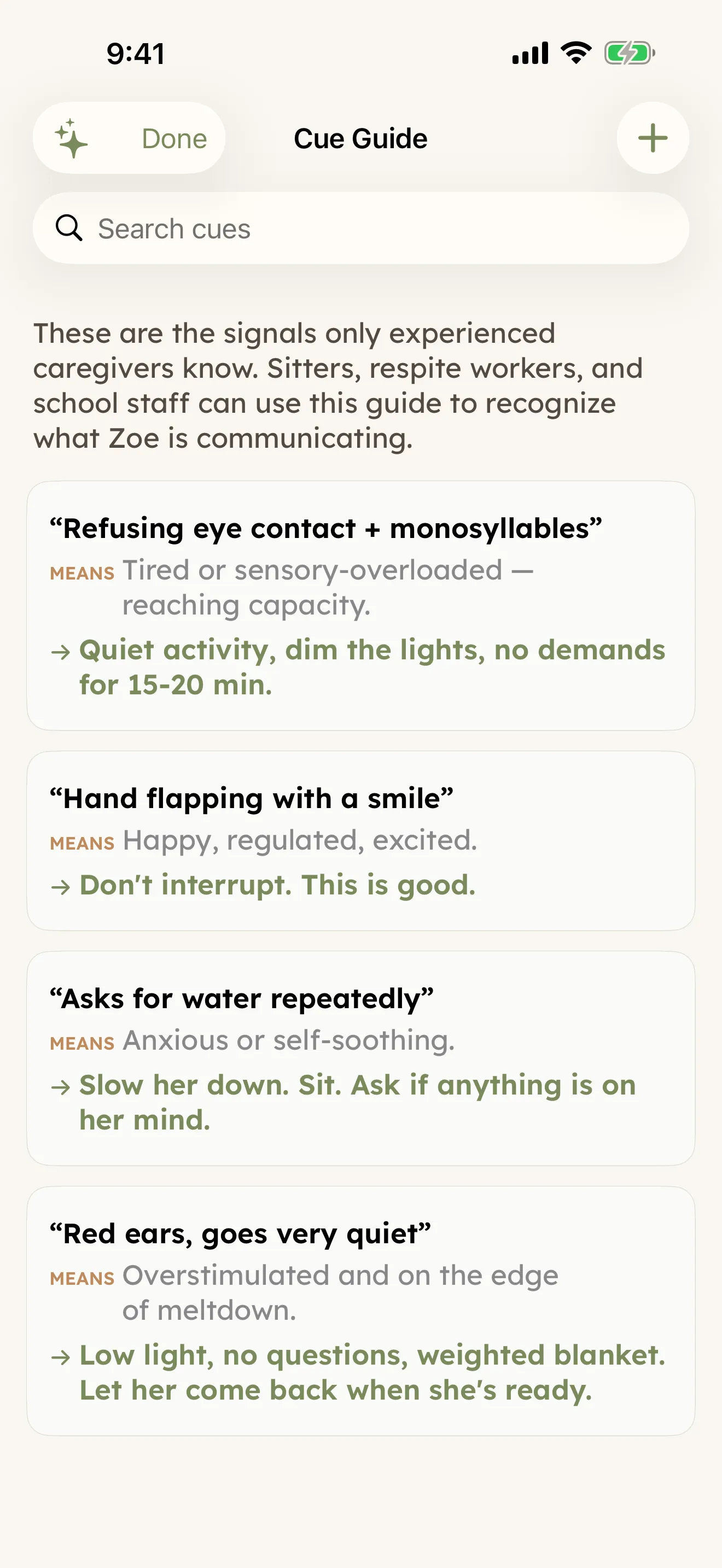
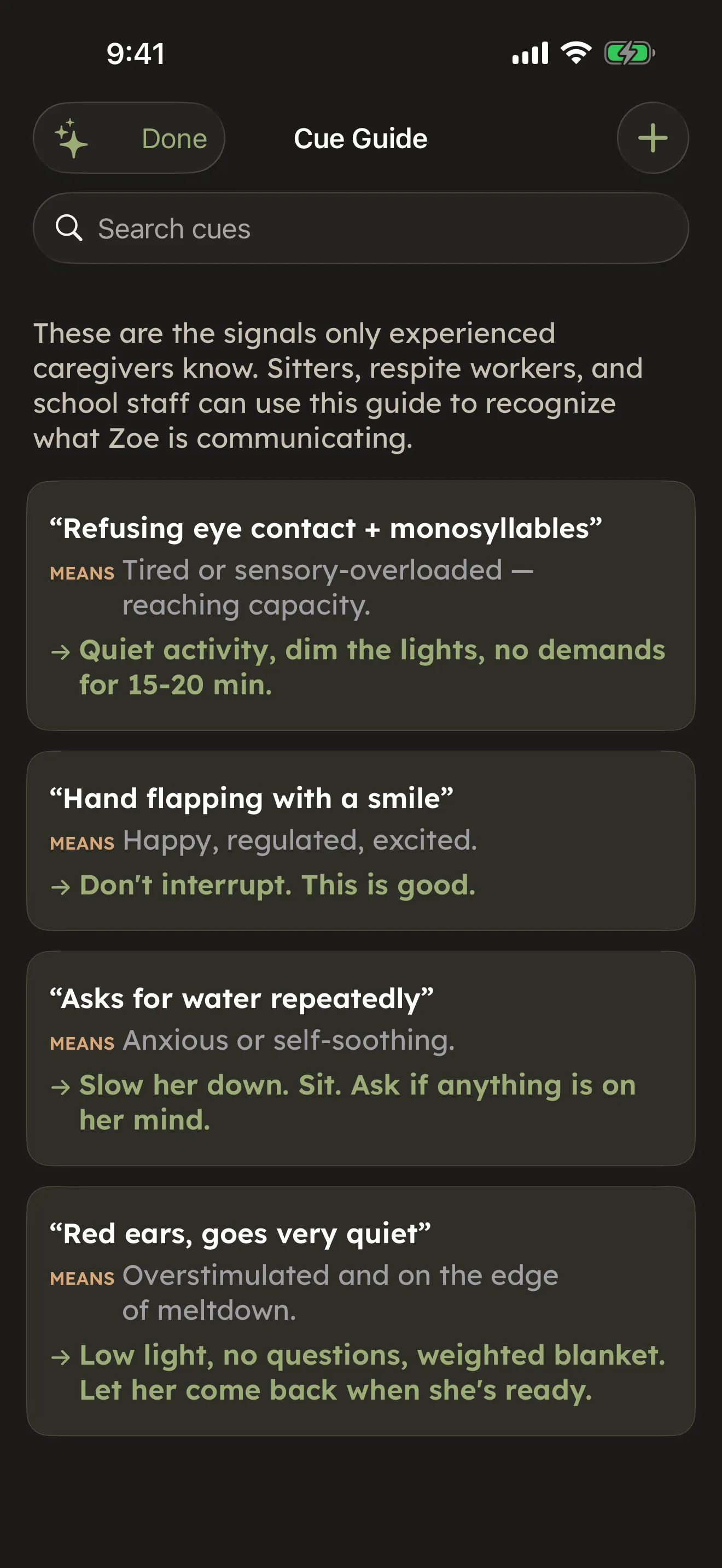
Goals with a baseline and a practice log, milestones, a Cue Guide for how your person communicates, and a Communication Log for every call, email, and portal message. Plain-language primers walk you through the early-intervention-to-school transition and insurance appeals. See Advocacy & goals. Available
Support built for the caregiver, not just the patient
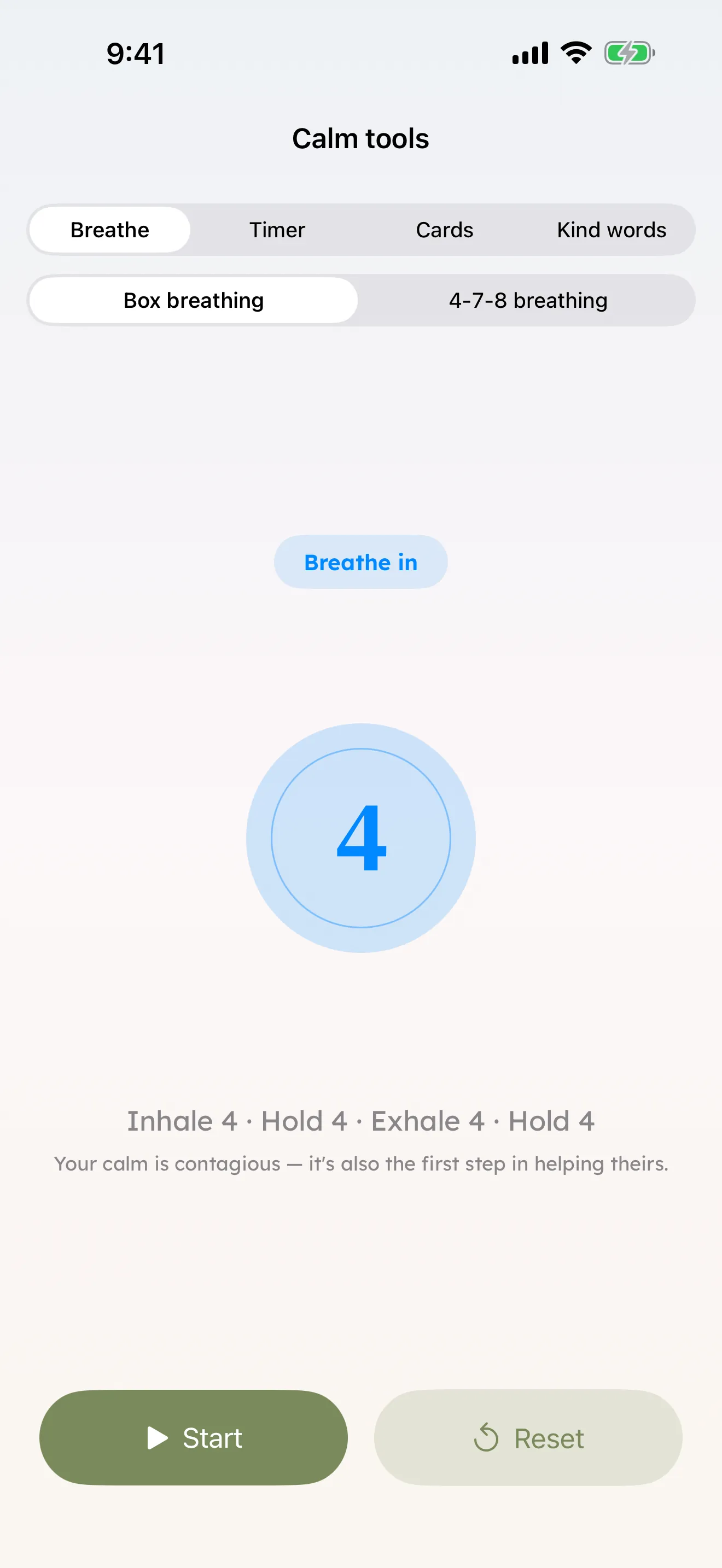
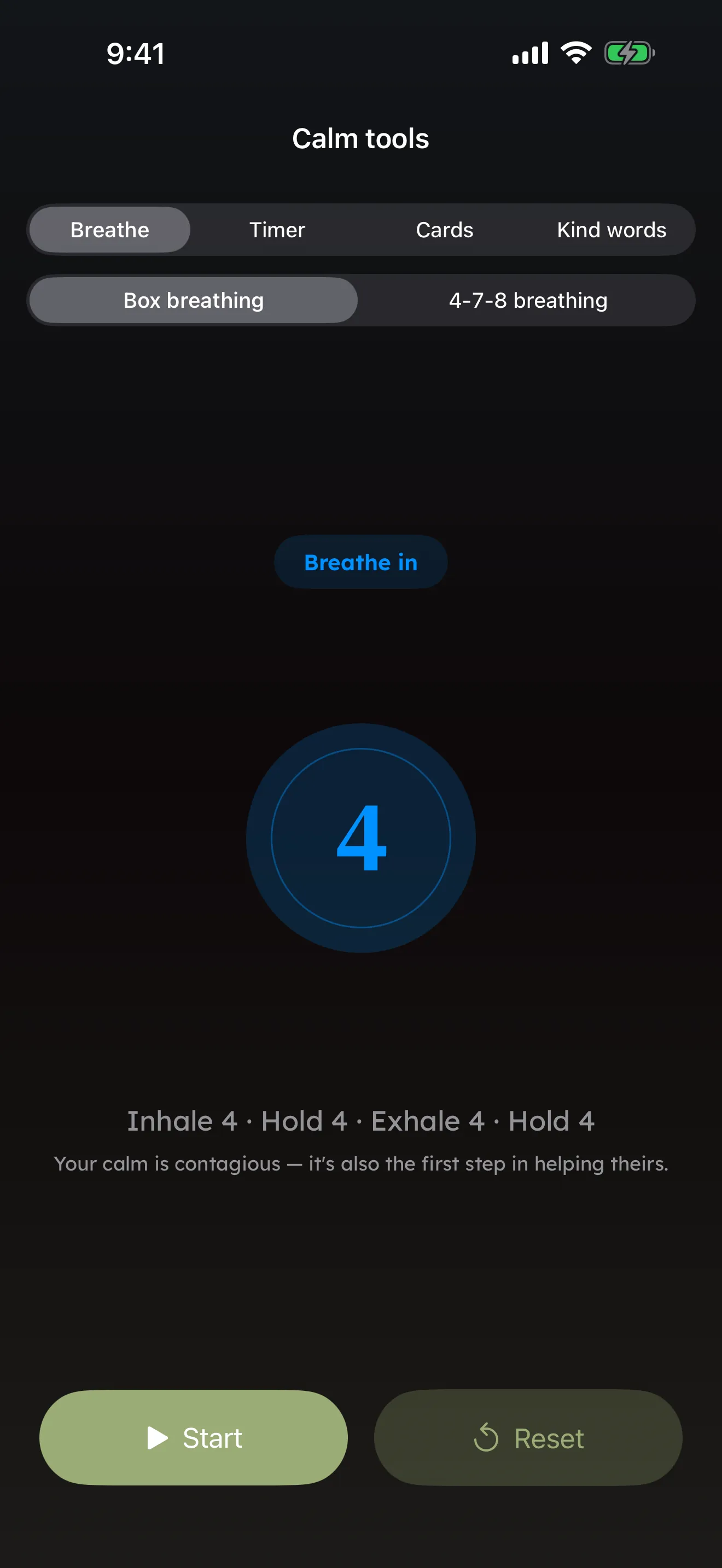
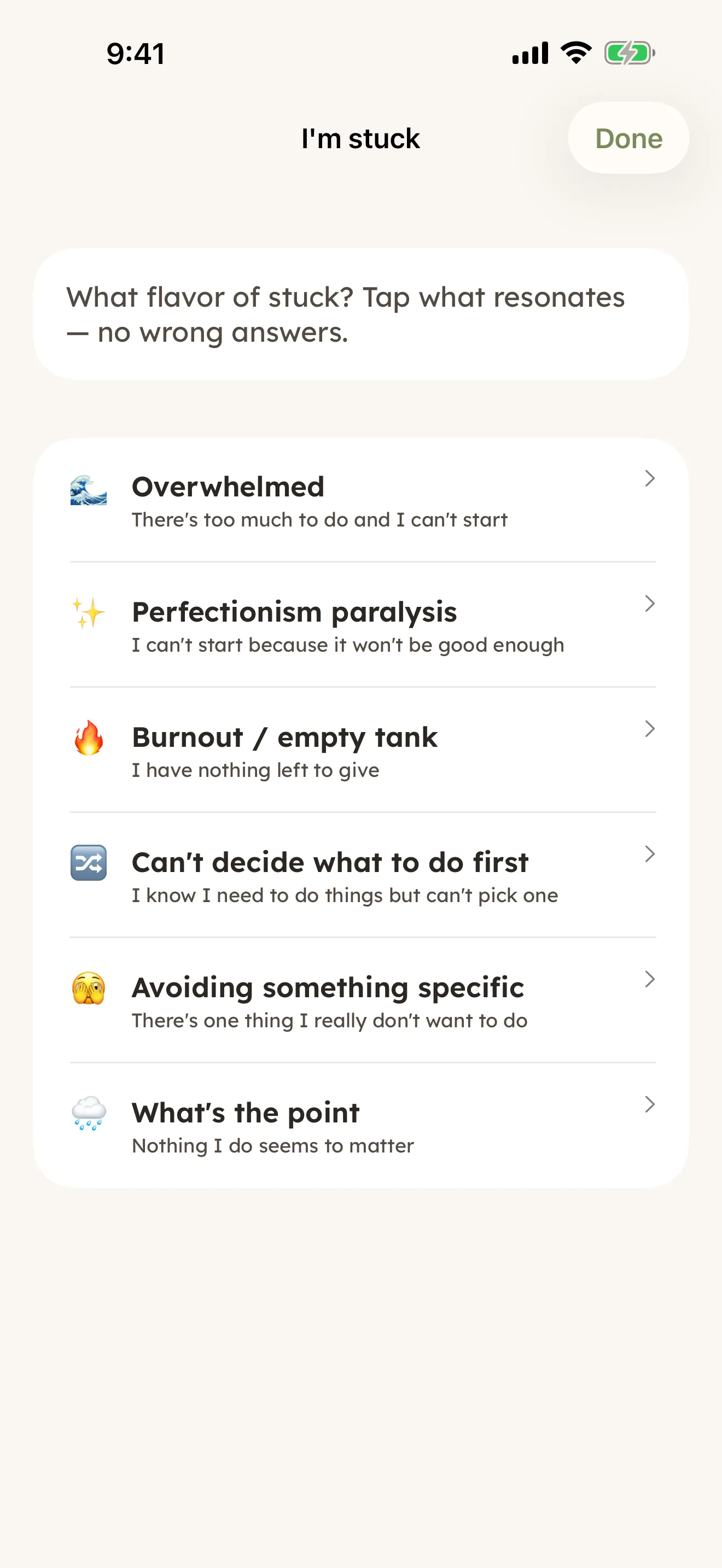
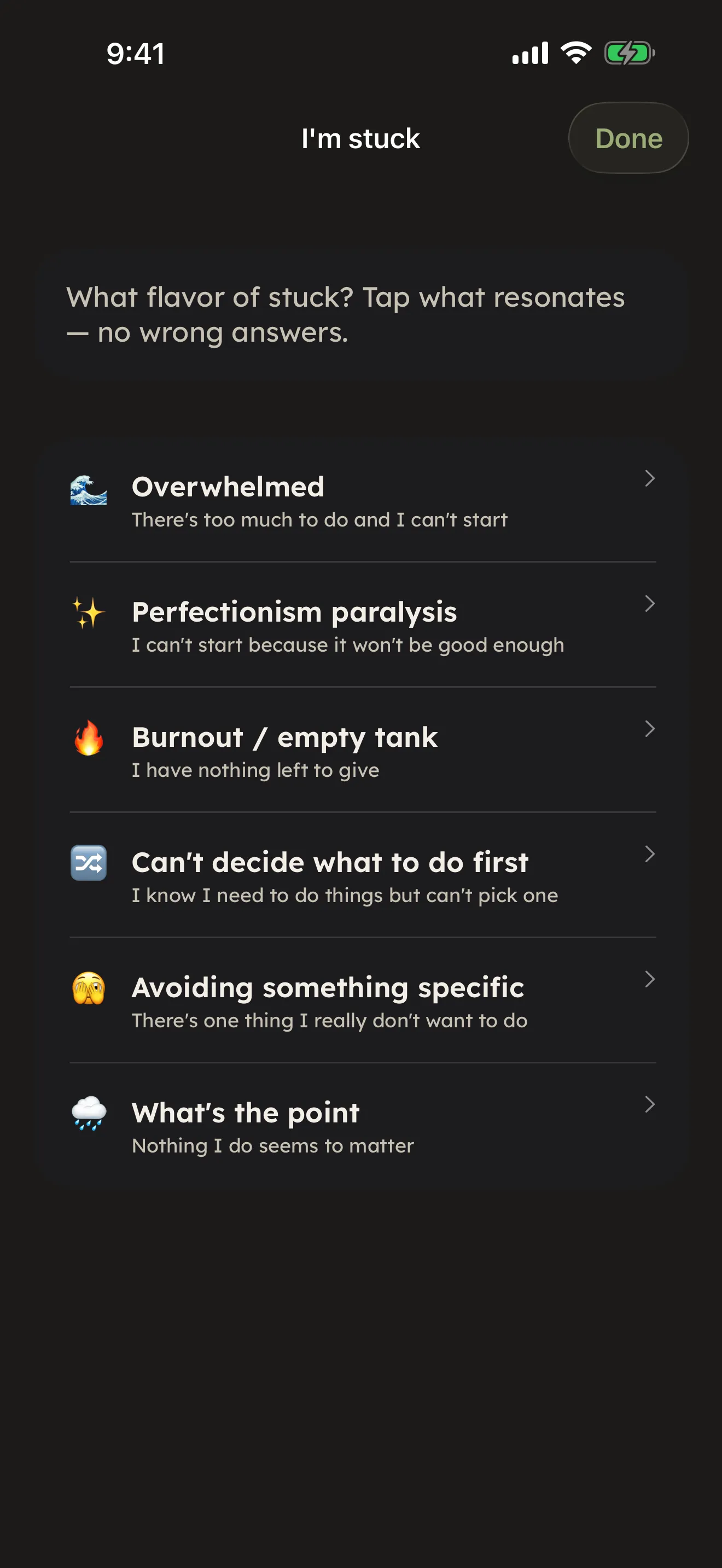
A private, one-tap way to ask for help (Share the Load), Calm Tools for breathing and grounding in a hard moment, In-the-Moment Coach cards for what to say during a meltdown or a 911 call, and a Wellbeing check-in with a gentle nudge if it's been a while. See Caregiver tools. Available
Ready before the hard moment
First aid cards, five do-this-now crisis plans, a Health & Communication Passport, and a Letter of Intent for the what-ifs. See Safety & crisis plans. Available
It reshapes itself to fit your person
Add a diagnosis and CareHaven quietly brings forward the tools that match — including dedicated support for autism, epilepsy, cerebral palsy, Down syndrome, ADHD, dementia and elder care, and more. See Support tailored to a diagnosis. Available
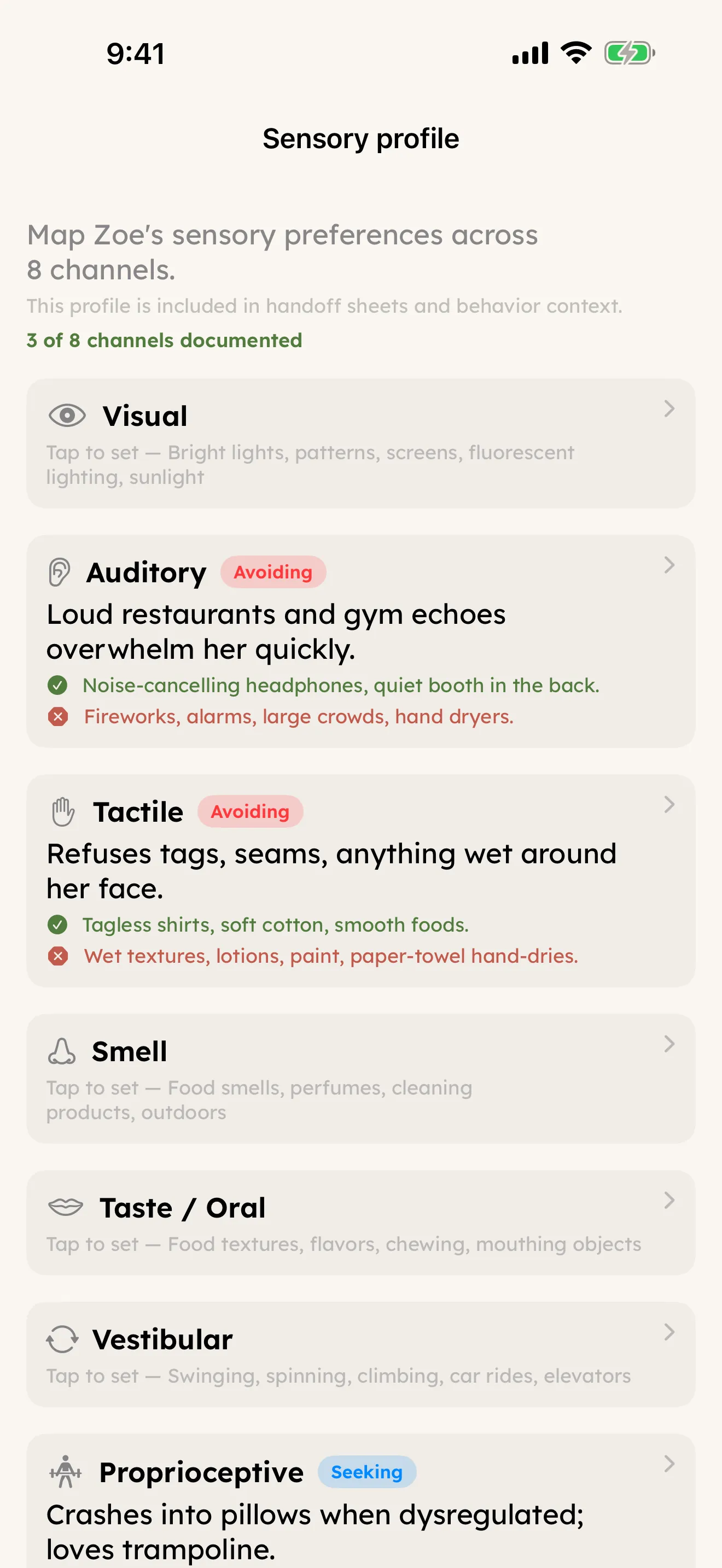
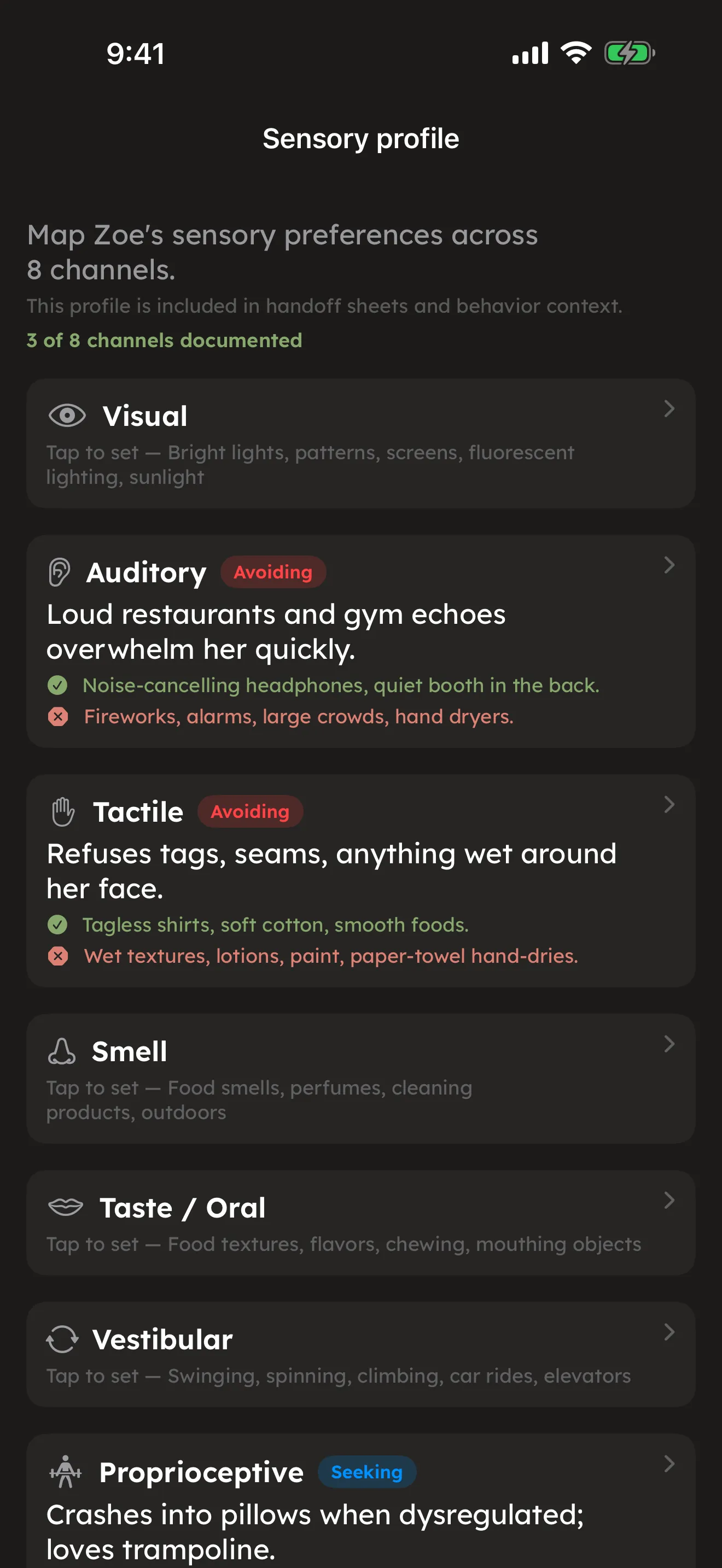
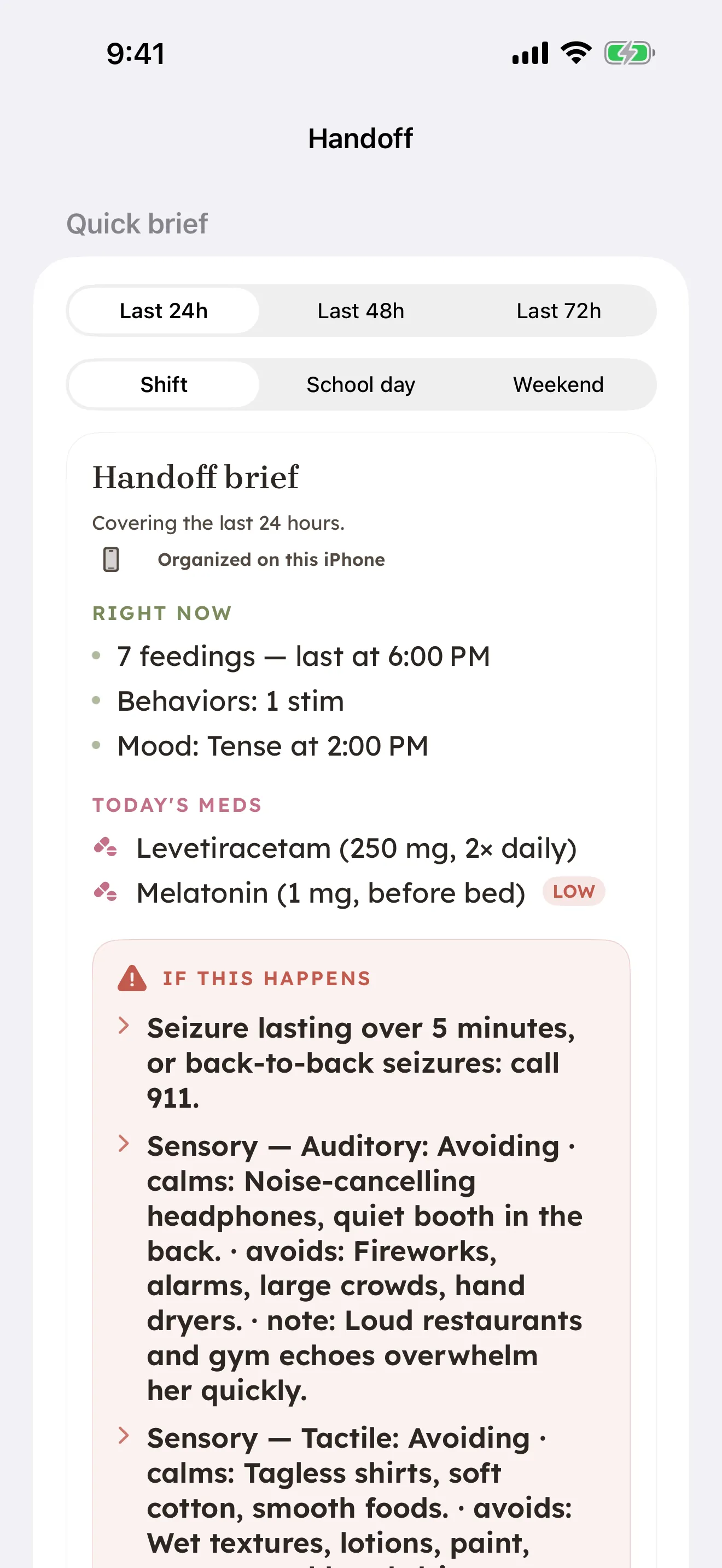
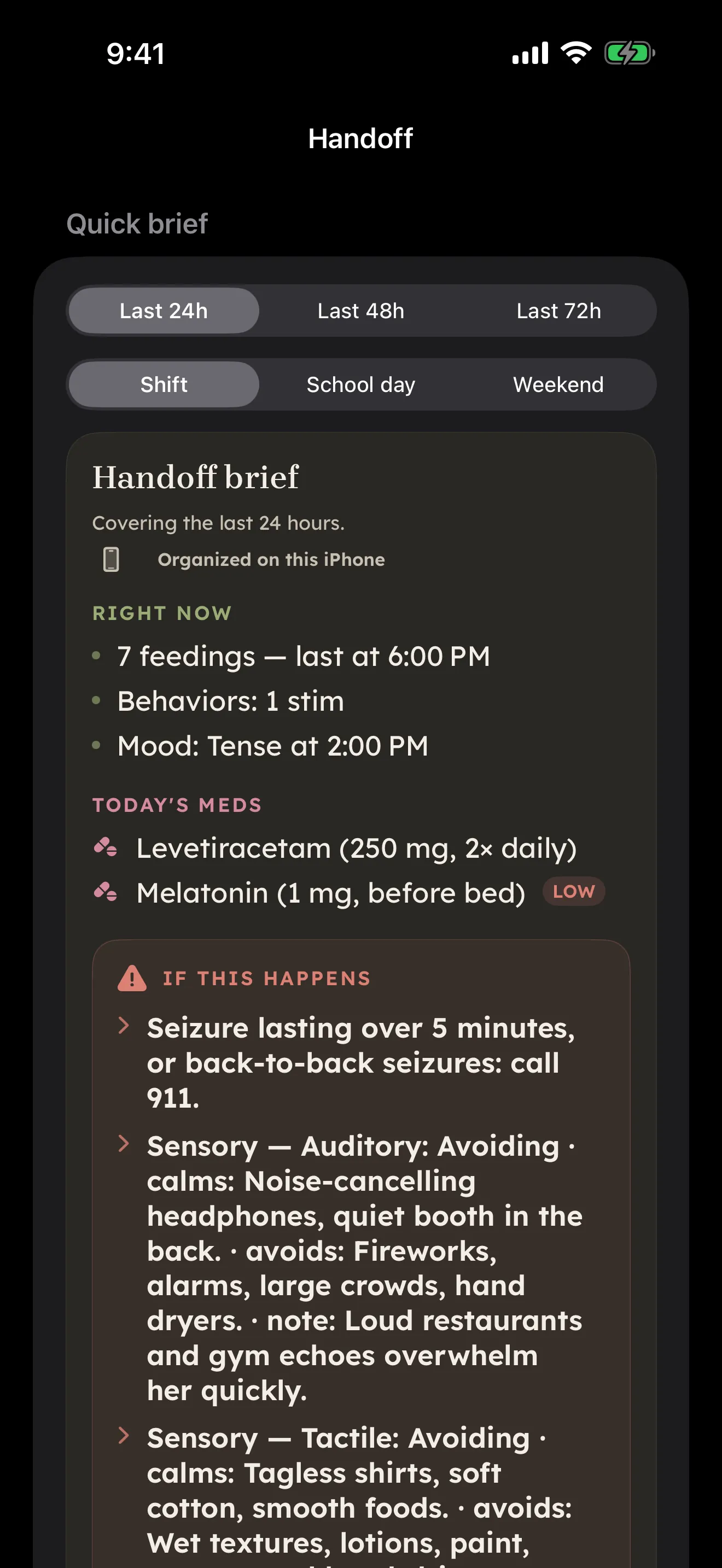
Hand off the day without a phone call
Build a structured sitter or co-caregiver Handoff — by link, QR code, nearby send, or a printable PDF — with today's plan, cues, emergencies, and meds already filled in. See Sharing & reports and the handoff walkthrough. Available
Ask CareHaven anything
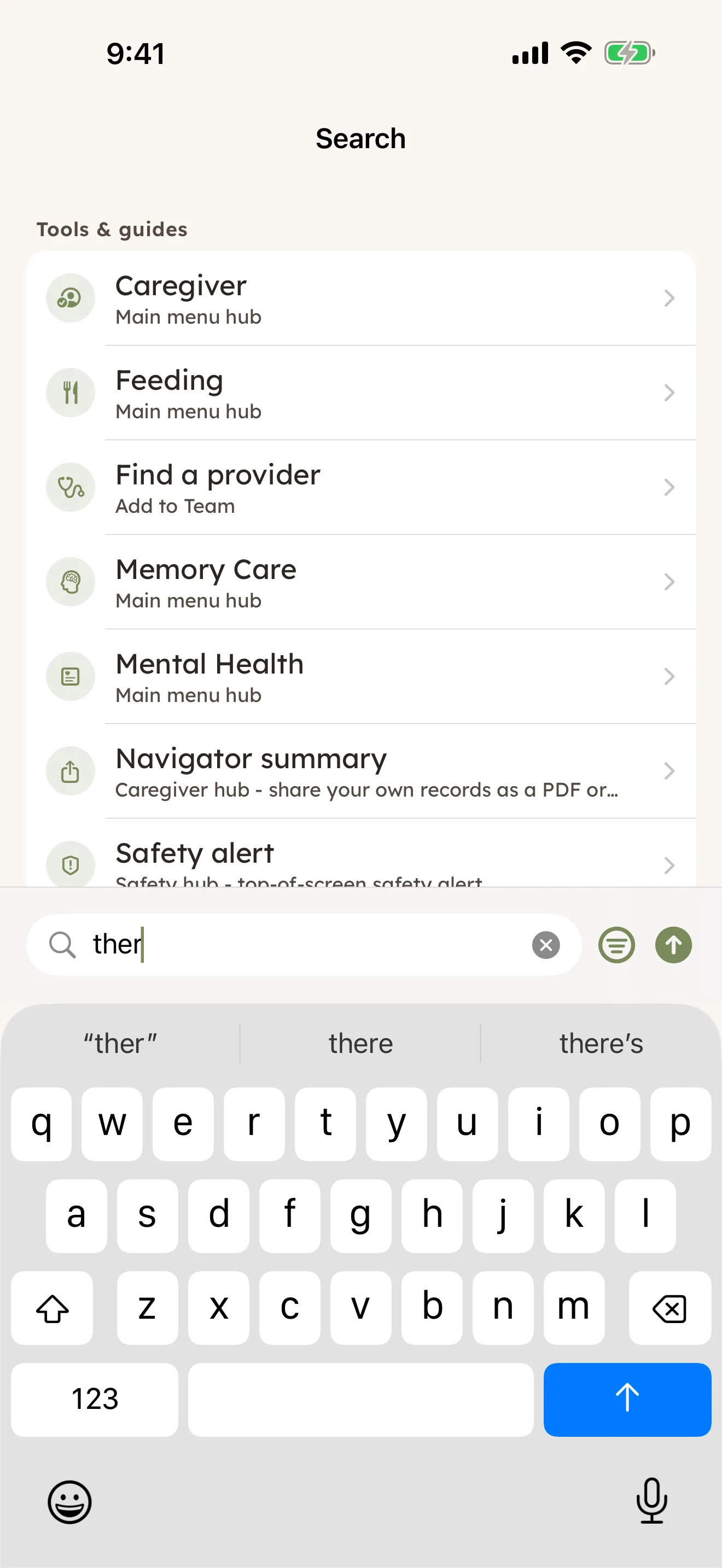
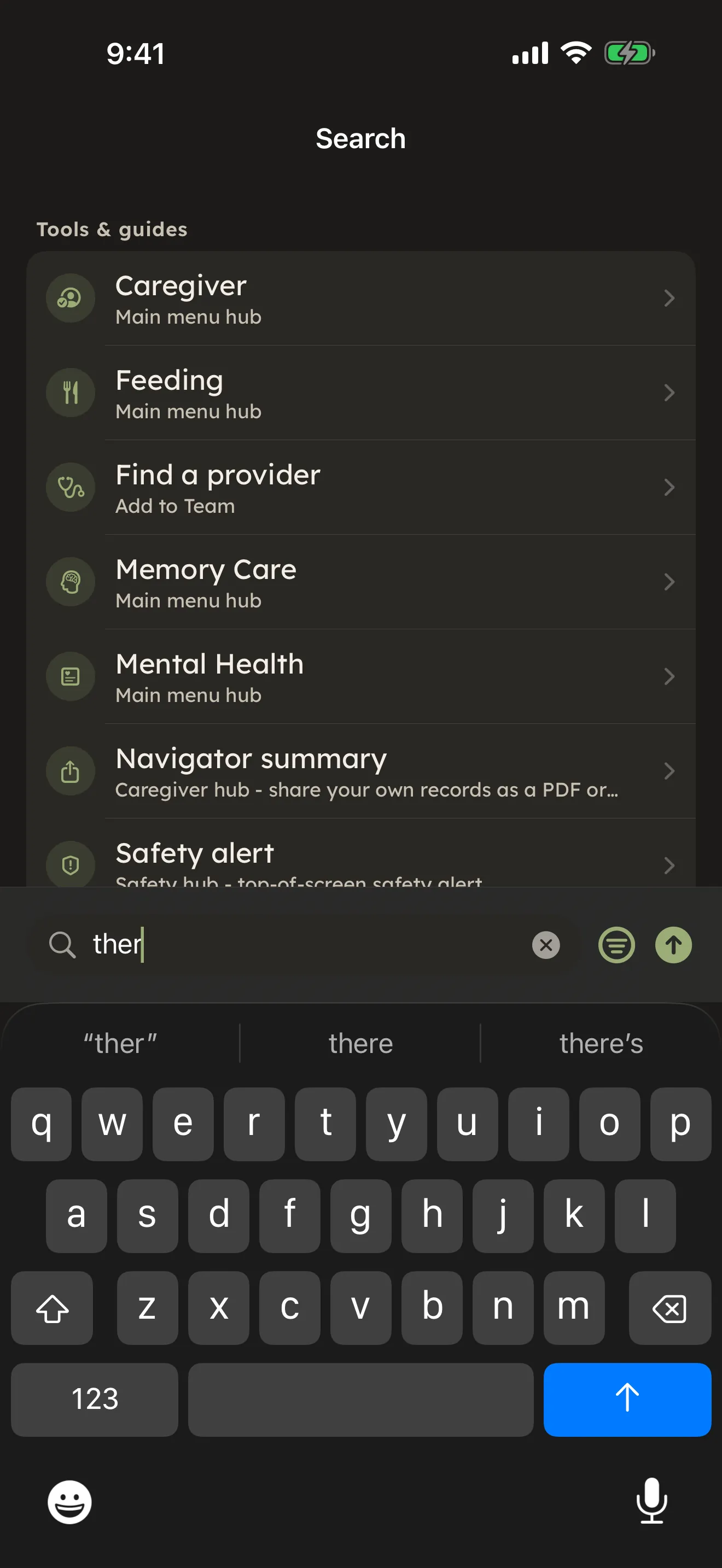
A live keyword search, plus Ask CareHaven for free-form questions — the offline knowledge base and on-device answers are free for everyone; the optional Online help (cloud) step is part of Plus. See Search & Ask CareHaven. Available
Private by design
Your log lives on your device. There's no account required, and if you turn on sync, you choose which caregivers to invite and which sections to share. Backups are AES-256-GCM encrypted. Read the full story in Privacy comes first. Available
Where to go from here
- Ready for the whole list? See the full feature catalog.
- New to CareHaven? Start with What is CareHaven?
- Curious what's free vs. part of Plus or Family? See Plans.